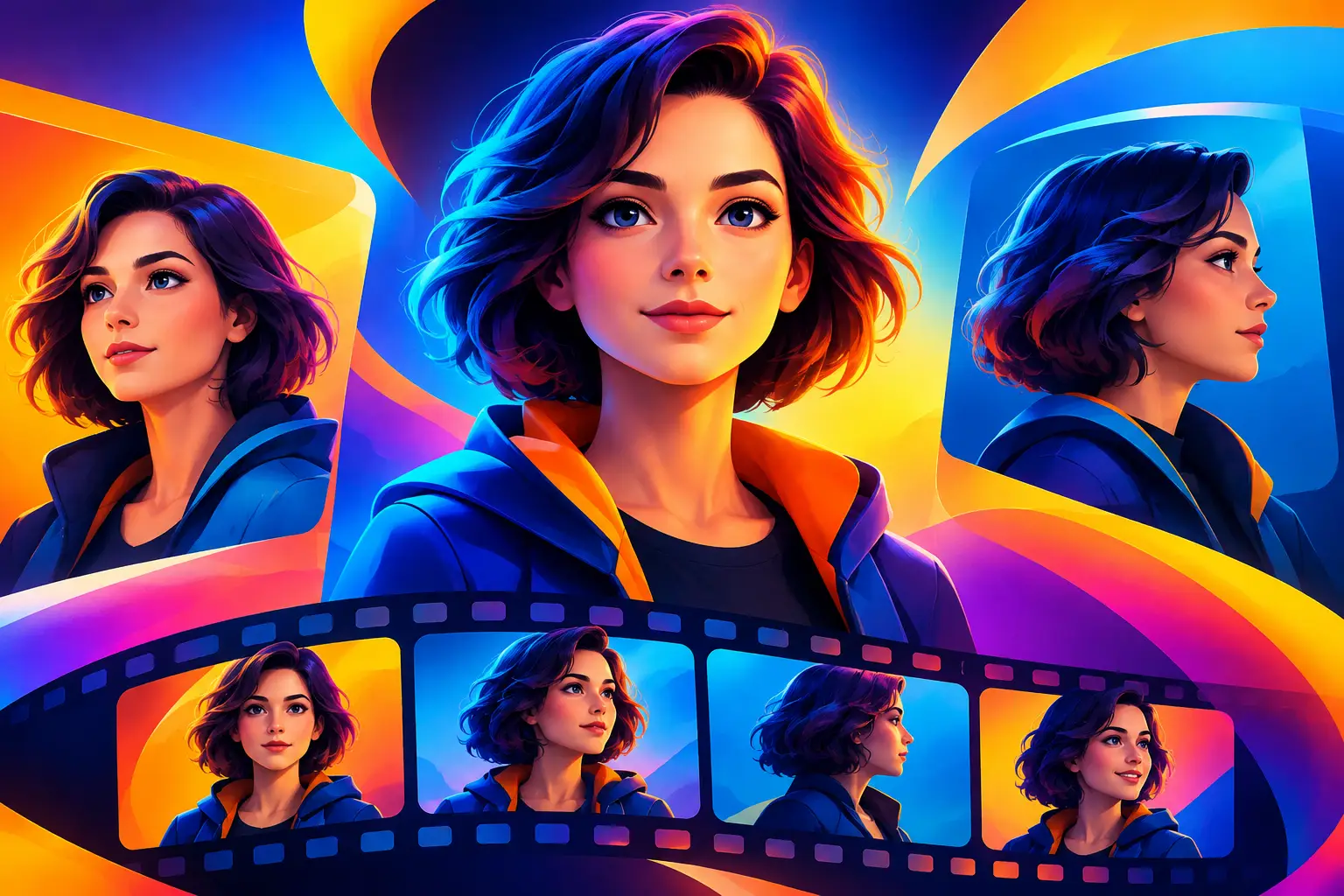
A character that changes face, age, outfit, or attitude from clip to clip can break a great concept fast. Knowing how to keep AI characters consistent turns a collection of interesting generations into content that feels intentional: a campaign, a recurring social series, or a short film people can follow.
The fix is not one magic prompt. Consistency comes from treating your character as a reusable creative asset, then controlling what changes around them. Lock the identity first. Build each new shot from that foundation.
Start With a Character Blueprint
Before generating scene one, write a compact character blueprint. This is the set of details that should remain true whether your character is in a studio portrait, a street-style reel, or a cinematic product spot.
Focus on features a viewer would recognize immediately: approximate age, face shape, skin tone, hair color and texture, eye color, body type, and a defining feature such as freckles, a shaved eyebrow, a beauty mark, or distinctive glasses. Add their core wardrobe and overall visual energy. “Confident editorial stylist with a cropped black bob” is useful. “Cool person” leaves too much to chance.
Keep it specific without making it crowded. A long paragraph packed with competing details can create confusion rather than control. Choose the traits that make the character unmistakable, then use the same wording every time. If their hair is “shoulder-length copper curls,” do not switch later to “long auburn wavy hair” and expect an identical result.
Separate identity from the shot
Your character details and your scene details do different jobs. Identity describes who appears on screen. Shot direction describes what they are doing, where they are, and how the camera sees them.
Write the identity block first, then add the shot. For example:
“Rina, 28-year-old Asian American woman, oval face, warm medium skin, shoulder-length copper curls, brown eyes, small gold hoop earrings, tailored cream blazer.”
Then add: “Walking through a sunlit downtown crosswalk, handheld medium tracking shot, late-afternoon light.”
This structure makes it easier to reuse Rina in ten scenes without rewriting her from scratch. It also makes revisions cleaner. You can change the crosswalk to a cafe or a rooftop without accidentally redesigning the person.
Use References to Keep AI Characters Consistent
Text is a useful starting point, but a strong reference image gives your character a visual anchor. Generate or select a clean hero image that clearly shows the character’s face, hair, proportions, and signature styling. Avoid references with heavy motion blur, dramatic shadows across the face, crowded backgrounds, or filters that hide key features.
A front-facing or three-quarter portrait is often the best first reference. Once the core identity is reliable, create a small set of supporting views: close-up, full body, side profile, and a few expressions. These become your character pack.
In a tool such as vbros, keep those reference assets organized alongside the clips and images they support. That sounds simple, but it prevents a common production mistake: using a slightly different generated image as the reference for every new scene. Small visual drift compounds quickly. Returning to the same approved character pack keeps the starting point stable.
References are especially valuable when moving from images to video. A character can look consistent in a still and shift during motion, particularly in fast cuts, extreme camera moves, or long clips. Start with shorter clips, inspect the face and wardrobe frame by frame, and only then build more ambitious sequences.
Keep the Non-Negotiables Fixed
Every scene needs variation. The character cannot wear the same pose against the same wall forever. But a few elements should remain fixed until you deliberately decide to update them.
Your non-negotiables might include facial structure, hairstyle, signature accessory, color palette, or silhouette. For a fashion creator, the outfit may change while the face and hair remain fixed. For a branded mascot, the jacket, glasses, and color palette may be part of the identity and should remain unchanged. For an episodic short film, wardrobe continuity may change by scene, but it needs to change for a story reason.
This is where consistency becomes a creative decision, not just a technical one. A new outfit can signal a new day, a new location, or a character arc. Random wardrobe changes simply look like the generator lost the plot.
Create a continuity note for each scene
Before you generate, add a short production note: “same cream blazer and gold hoops,” “same character, hair tied back for gym scene,” or “new black evening coat, same makeup and curls.” This takes seconds and gives you a clear way to review outputs.
If you work with a team, the note also stops everyone from interpreting “same character” differently. One person may focus on the face; another may accidentally change the styling, body type, and age. A continuity note makes approval faster.
Change One Big Variable at a Time
When a result drifts, creators often rewrite everything: the identity, scene, style, lighting, camera angle, and format. That makes it nearly impossible to tell what caused the shift.
Use controlled iterations instead. Keep your approved character reference and identity block in place. Then alter one major variable, such as location, lens feel, pose, or wardrobe. Generate a small batch and compare it against the hero image.
For example, if a close-up looks right but a full-body shot changes the face, keep the scene and outfit the same while adjusting only the framing or reference strength. If the face holds but the outfit changes, reinforce the wardrobe language. Controlled testing uses fewer credits than repeatedly starting over, and it creates a workflow you can repeat on the next project.
There is a trade-off. The tighter you hold identity, the less wildly experimental each generation may feel. That is usually the right trade for a series, an ad campaign, or a film with recurring talent. For a one-off concept image, you may want more freedom. Decide which matters before you generate.
Match Camera Language Across Clips
Character identity is not only a face. The way a character is shot affects whether audiences believe they are seeing the same person in the same world.
Set a visual direction for the project: natural window light, saturated flash photography, polished beauty lighting, grainy camcorder footage, or clean 3D animation. Then use related camera instructions throughout the sequence. A character can appear to change dramatically when one shot is a hyper-detailed beauty close-up and the next is a flat, wide smartphone-style frame.
You do not need identical lighting in every scene. A nighttime scene should look different from a daytime scene. The goal is a coherent visual rule. If the project is cinematic and warm, keep that language present as the locations change. If it is designed for quick vertical social clips, keep the framing, pace, and styling appropriate to that format.
For video, be realistic about motion. Complex choreography, crowded scenes, and rapid camera spins increase the chance of identity drift. Begin with actions that preserve a clear view of the character: turning toward camera, walking forward, holding a product, sitting at a table, or delivering a simple reaction. Add complexity after the character is proven in motion.
Build an Approval Loop, Not a Guessing Game
Treat your first successful generation as a production asset, not a lucky result. Name it clearly, save the prompt version, and mark the references and settings used. When you need the character next week, you should be able to reopen the same creative setup instead of rebuilding it from memory.
Review each new output against the approved hero image. Check face shape, hairline, age, skin tone, proportions, accessories, and wardrobe continuity. Also check less obvious drift: does the character still feel like the same person emotionally? A confident founder should not suddenly read as a different personality because the expression, styling, and body language all changed at once.
If a generation is close but not right, do not force it into the edit because you are tired of iterating. A single off-model shot stands out more once clips sit side by side. Regenerate the shot or simplify the direction. The audience may not know why it feels wrong, but they will feel the break.
Let the Character Evolve on Purpose
Consistency does not mean freezing a character in place. The strongest recurring AI characters gain range: new outfits, locations, emotions, and story beats. What stays recognizable is their visual core.
Think of your character pack as a living library. Add approved seasonal looks, alternate expressions, and story-specific wardrobe changes only after they pass the same continuity check. Over time, you will have more creative options without losing the identity that made the character worth following.
The practical goal is simple: make every new shot feel like it belongs to the same cast, even when the world around it changes. Start with one clear face, protect the details that matter, and give each variation a reason to exist.