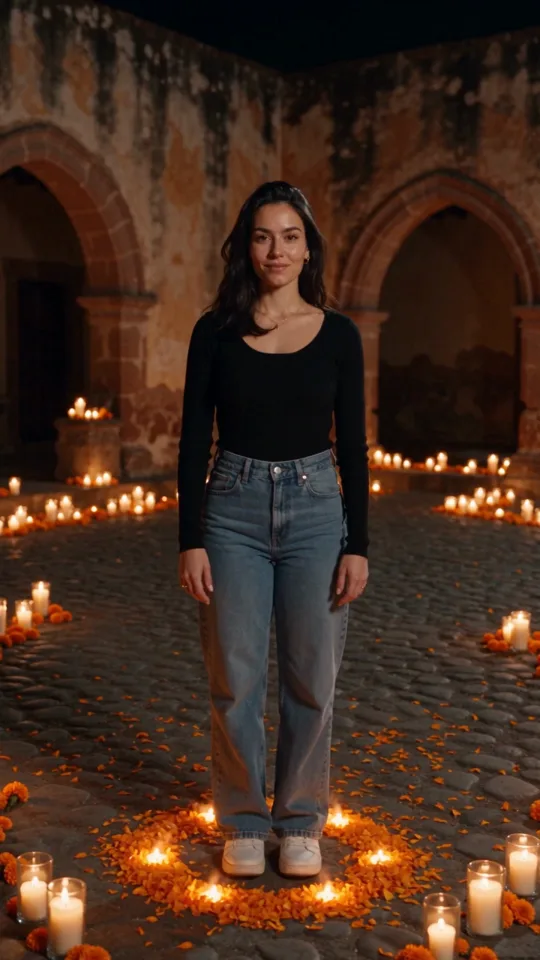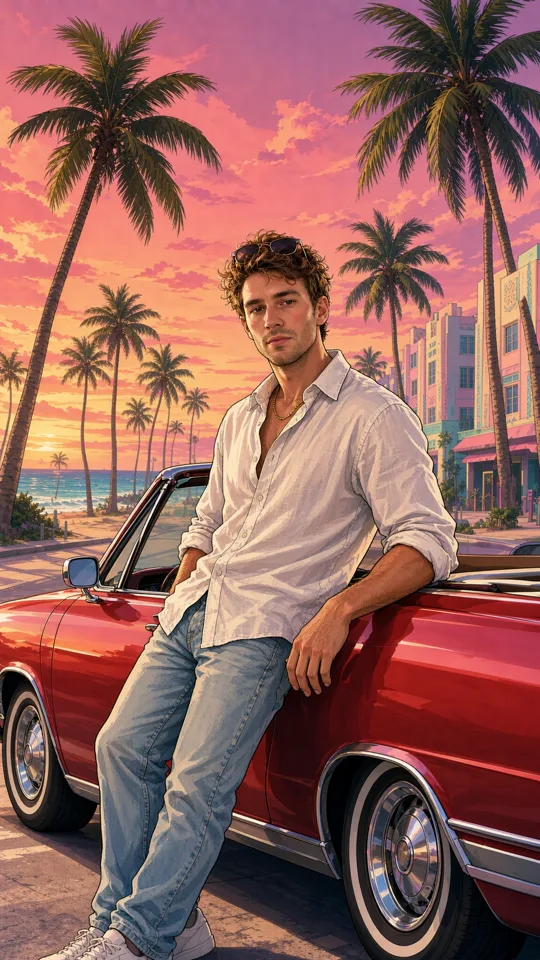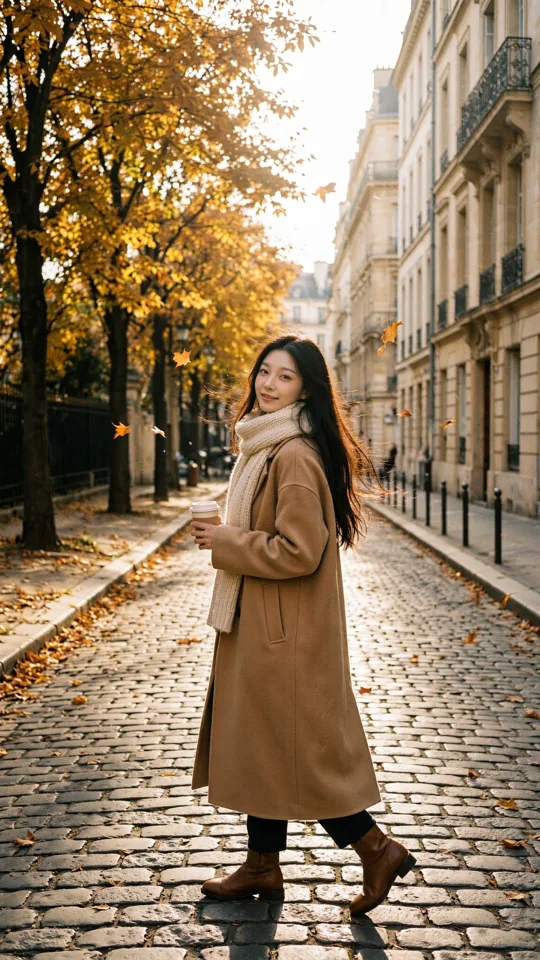
A product photo on a white background can become a sunlit campaign image, a cinematic still, or a playful social post in minutes. That is the practical value of AI image generation from photo and text prompt: you start with something real, then direct the next version with words instead of a reshoot, a location scout, or a long design handoff.
For creators, marketers, and small teams, the goal is not to replace every photo shoot. It is to make more creative directions testable. A source photo gives the generator a visual anchor. A text prompt gives it the brief: the mood, setting, composition, styling, lighting, and format you want next.
What AI Image Generation From Photo and Text Prompt Does
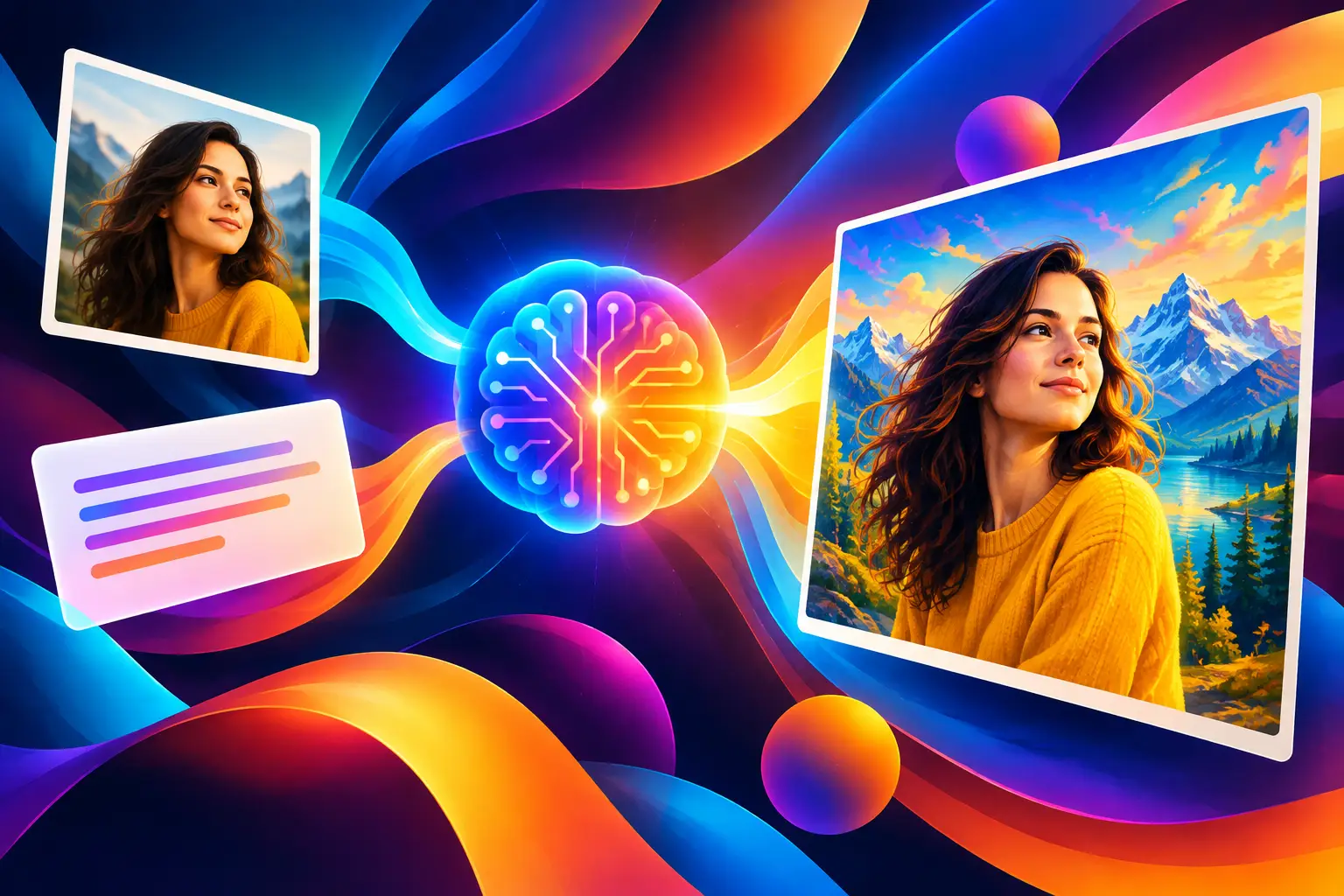
Photo-plus-prompt generation combines two inputs. The uploaded image supplies identity, product details, proportions, color cues, or a starting composition. Your prompt supplies the transformation.
Upload a sneaker photo, for example, and ask for “editorial sports campaign, wet city pavement at night, reflected neon, low-angle product shot, crisp texture.” The source image helps preserve the shoe. The prompt moves it into a new world.
This is different from generating from text alone. A text-only image can be great for broad exploration, but it starts with no specific object, face, packaging, or visual reference to follow. When the exact product, character, location, or outfit matters, a photo reduces guesswork.
It also differs from basic photo editing. Traditional editing adjusts the pixels already there. AI generation can reinterpret the scene itself, adding a setting, changing an art direction, creating a new crop, or producing variations that would require a new shoot.
The trade-off is control versus surprise. The more dramatic the requested change, the more likely small details in the source image will shift. Treat the first output as a creative draft, then refine what matters.
Start With a Reference That Can Carry the Idea
A good source photo does not need to be professionally shot. It does need to make the key subject easy to read. If you want a bag to remain recognizable, show the bag clearly. If you want a recurring character to stay consistent, use a photo with a visible face, defined hair, and clean lighting.
Avoid clutter when the subject is the priority. A crowded background can pull the result toward unwanted objects, colors, or shapes. Cropping before generation is often faster than trying to explain what to ignore in a long prompt.
For products, capture the details that sell the object: logos, material texture, closures, silhouette, and color. For people, use a reference that reflects the angle and expression you want to preserve. A front-facing portrait is useful for identity; a full-body image is better when wardrobe and pose matter.
Reference images are direction, not a guarantee. If a logo, label, face, or tiny pattern must be exact, inspect every output closely. AI is strong at visual concepting and production-ready creative variations, but fine details can still need iteration or a final edit.
Write Prompts Like a Creative Brief
The fastest prompts are not necessarily the shortest. One clear sentence can outperform a dense paragraph when it describes the decisions that actually affect the frame.
Start with the main request: what should happen to the photo? Then add the visual choices that shape the result. Think in terms of subject, setting, style, camera, lighting, and output format.
A prompt for a creator portrait might read: “Transform this portrait into a clean street-style campaign photo outside a downtown coffee shop, early morning sun, candid walking pose, 35mm editorial photography, vertical 9:16 framing.”
A product prompt might be: “Place this skincare bottle on pale stone beside splashing water, soft daylight, premium beauty campaign, close-up composition, natural shadows, square format.”
Notice that these prompts do not try to control everything. They set a strong visual direction while leaving room for the generator to compose. If your first result misses, change one or two variables rather than rewriting the entire brief. That makes it easier to learn which instruction caused the shift.
Prioritize the details viewers will notice
If you are making content for a feed, format and focal point usually matter more than a long list of adjectives. Say whether you need vertical, square, or wide framing. State what should be in focus. Call out the emotional cue that makes the image feel right: energetic, intimate, polished, surreal, playful, or understated.
For a campaign, consistency matters more. Keep a repeatable phrase for your lighting, color treatment, and camera language. That creates a recognizable visual system across multiple assets.
Use negative direction carefully
You can also describe what you do not want, especially when a result keeps drifting. “No text overlays,” “clean background,” “no extra products,” or “avoid heavy retouching” are practical corrections.
Do not turn negative direction into a long warning label. If the generator keeps adding the wrong element, simplify the composition first. A clear source image and a focused prompt are usually more effective than twenty restrictions.
Choose Settings Based on Where the Image Will Go
A strong image can still fail if it arrives in the wrong format. Before generating, decide where the asset will live.
Vertical images work naturally for short-form social posts, story ads, and mobile-first campaigns. Square images are useful for grids, product spotlights, and profile-driven feeds. Wide images give you more room for web headers, video thumbnails, and cinematic scenes.
Quality settings deserve the same practical approach. Use fast drafts while you are testing prompts, styles, and compositions. Move to higher quality when the creative direction is approved and the image needs closer inspection. This keeps experimentation moving without spending credits on every early idea.
Model selection can change the feel of the output too. Some styles favor realism; others lean more illustrative, stylized, or cinematic. Pick the model that matches the job, not the one with the most dramatic preview. A polished product campaign and a surreal music visual should not start from the same visual assumptions.
Platforms such as vbros make these choices visible through controls for models, quality, format, references, and prompt details. The useful part is not having more settings for their own sake. It is being able to choose a preset when speed matters, then take more control when a concept needs a specific shot.
Build Variations Instead of Chasing One Perfect Image
The first generation is rarely the final answer. It is the start of a variation set.
Generate a small group of directions from the same source photo: one clean studio version, one lifestyle version, one editorial version, and one unexpected concept. This gives you options for testing without losing the original asset’s identity.
Once you find a direction that works, keep the core prompt stable. Change the environment, crop, pose, or lighting one at a time. That process produces a cohesive series instead of a folder full of unrelated images.
For recurring content, save the ingredients that worked. Keep your approved reference photo, prompt language, preferred format, and style notes together. Reusable characters, products, locations, and objects become much more valuable when the next campaign starts from an organized creative library rather than a blank prompt field.
Know When to Use a Photo, Text, or Both
Use a source photo when recognition matters. This is the right move for a real product, founder portrait, recognizable location, existing character, or client-approved visual asset.
Use text only when you are still exploring broad concepts. It is ideal for finding an art direction, visual metaphor, mood board idea, or fictional scene before you have a reference worth preserving.
Use both when you need recognizable material in a new context. That is where photo-and-prompt generation earns its place in a production workflow. A single product shot can become seasonal creative, a launch teaser, a lifestyle scene, or the opening frame of a short video concept.
The best results come from a simple habit: give the generator a clear visual anchor, make one strong creative decision in the prompt, and iterate with purpose. Start with the image you already have, then make the next version worth stopping for.