A blank prompt box can feel like a production bottleneck. The right ai image generator prompt text examples turn a loose thought - “make this product look premium” or “I need a campaign visual by lunch” - into a clear creative direction the generator can follow. The goal is not to write more. It is to give the image a job, a subject, and a visual point of view.
For creators, marketers, and small teams, a useful prompt works like a compact creative brief. It tells the model what to make, where it happens, how it should feel, and what format supports the final post, ad, or storyboard frame. Start clear, then add control only where the result needs it.
The prompt formula that keeps images on brief
A strong image prompt usually has five parts: subject, action or pose, setting, visual style, and output details. You do not need every part for every image. A simple social graphic may need only a product, a background, and lighting. A hero image for a launch needs more direction.
Use this structure when you need a reliable starting point:
[Subject] + [action or composition] + [setting] + [style and lighting] + [format or shot details]
For example: “A clear glass bottle of citrus sparkling water standing on wet stone, sliced grapefruit and ice nearby, bright morning sunlight, premium beverage campaign photography, vertical 4:5 composition.”
That prompt gives the generator enough decisions to make without turning into a wall of adjectives. It establishes the product, the surface, the props, the mood, the commercial style, and the placement for a social feed.
Specificity helps when it changes the picture. “Soft afternoon light” is useful. “Beautiful, amazing, ultra-perfect” usually is not. If a word would not change your shot list or visual reference, remove it.
AI image generator prompt text examples by creative task
Social content that stops the scroll
Social images need a fast read. Give the subject room to breathe and choose a format before you generate.
“Close-up of a creator holding a silver chrome headphone case against a cobalt blue background, direct flash photography, playful editorial styling, crisp shadows, vertical 9:16.”
“Three matcha drinks on a checkerboard café table, overhead view, fresh green and cream palette, casual phone-camera energy, natural window light, square 1:1.”
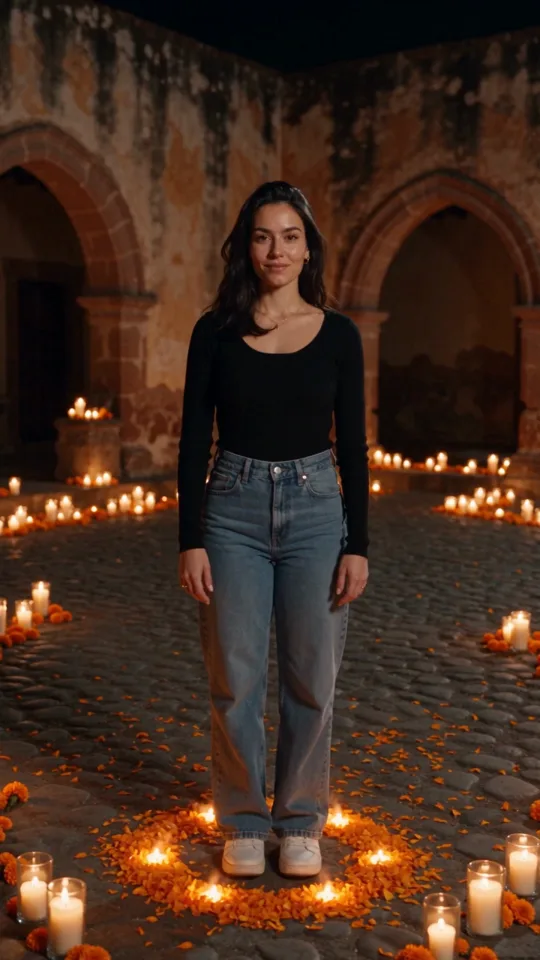
“Street-style portrait of a young musician outside a small venue at night, red neon reflected on wet pavement, candid movement, grainy 35mm film look, vertical 4:5.”
These prompts work because each has one visual priority. The headphone image is about material and color. The matcha image is about an easy overhead composition. The musician image is built around atmosphere and motion.
Product storytelling without a full shoot
Product prompts benefit from practical detail. Name the material, the use moment, the environment, and the type of image you need. Be careful with text on packaging, though. Generated lettering can be inconsistent, so plan to add final copy in your design tool when accuracy matters.
“Matte black skincare jar on pale travertine beside a folded white towel, spa bathroom at sunrise, soft directional light, minimalist luxury product photography, wide 16:9 with open space on the left.”
“Running shoe splashing through a shallow city puddle, low-angle action shot, early morning blue light, sharp product focus, energetic sports campaign image, vertical 4:5.”
“Handmade ceramic mug filled with coffee on a wooden desk, open notebook and pencil nearby, warm home studio, quiet lifestyle photography, natural texture, square 1:1.”
If the product has a recognizable shape, start with a source photo or reference asset when your generator supports it. Prompt text can guide mood, scene, and framing, while the reference protects what must stay consistent.
Campaign concepts and editorial visuals
When you are pitching a campaign, you often need range before precision. Generate three or four visual directions from the same message, then develop the one that feels most ownable.
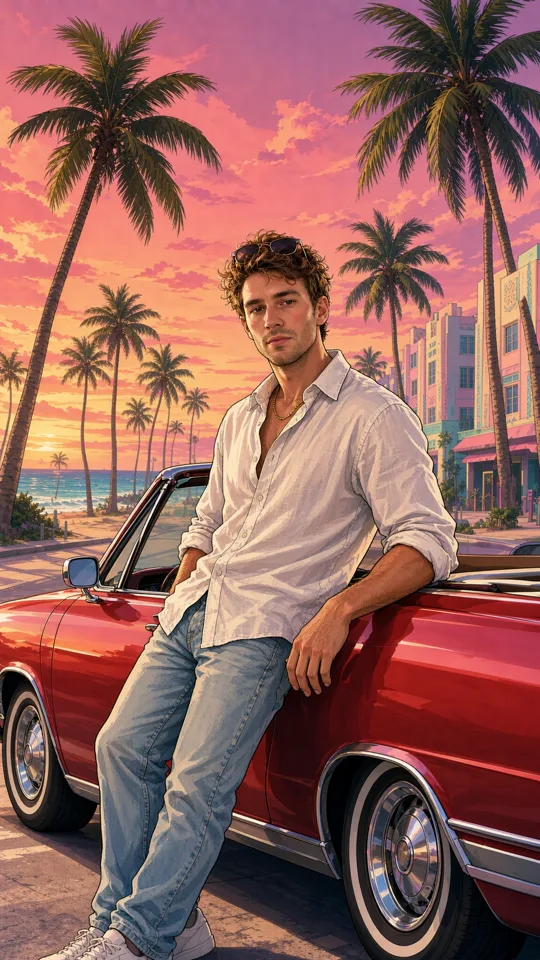
“Editorial fashion image of a model in a sculptural white coat walking through a brutalist concrete plaza, hard noon sunlight, clean geometry, high-fashion magazine photography, vertical 4:5.”
“Surreal office scene with bright yellow umbrellas floating above desks, workers in neutral clothing looking upward, polished commercial art direction, soft shadows, wide 16:9.”
“Fresh produce arranged like a color wheel on a sky-blue surface, bold graphic composition, punchy studio lighting, modern food campaign, square 1:1.”
The second example is intentionally conceptual. It has one unusual idea - floating umbrellas - but anchors it with a familiar space, wardrobe, lighting, and aspect ratio. That balance keeps surreal work art-directed instead of random.
Characters and recurring series
A one-off character can be described in text. A character who appears across posts, scenes, or clips needs a more controlled workflow. Create a base image you like, save it as a reusable character or reference, then guide the new scene with prompt text.
“A cheerful 30-year-old bicycle mechanic with short dark curls, mustard work jacket, small grease mark on one cheek, standing in a sunlit neighborhood repair shop, friendly documentary portrait, medium shot, vertical 4:5.”
Once the character is established, the next prompt can focus on the change: “The same bicycle mechanic locking up the shop at dusk, rainy street outside, warm interior light behind them, cinematic medium-wide shot, 16:9.”
This approach is especially useful for short-form storyboards. You spend less time re-describing identity and more time directing the shot.
Add detail in the order that matters
If a first generation misses, do not rewrite everything. Identify the highest-impact problem and adjust that part first. Is the scene too generic? Add a more recognizable location. Is the subject too small? Ask for a close-up, medium shot, or low-angle framing. Is the mood off? Change the lighting, color palette, or photography style.
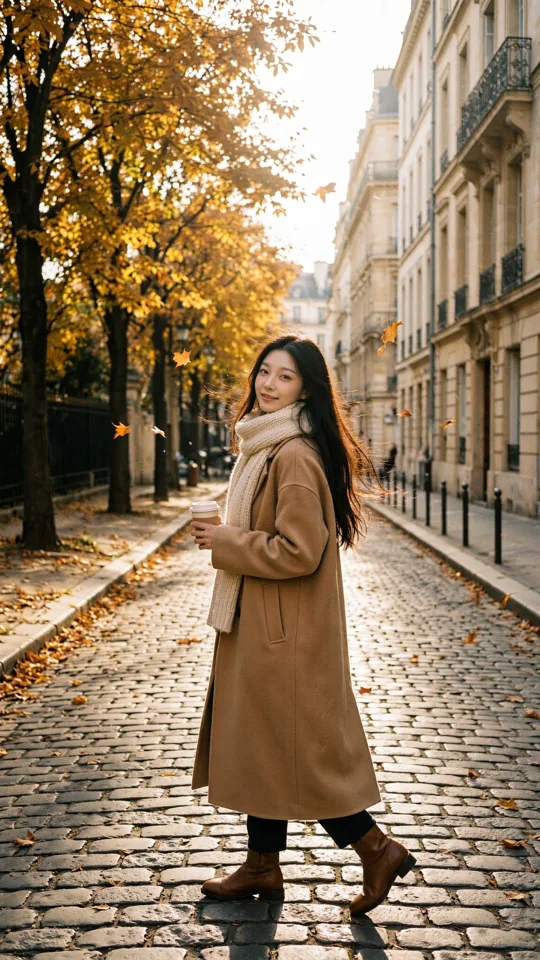
A useful revision might move from “a woman drinking coffee in a café” to “medium close-up of a woman in a red knit sweater drinking espresso by a rain-streaked café window, muted autumn color palette, candid editorial photography, vertical 4:5.”
The second version makes decisions about wardrobe, weather, distance, palette, and image language. It still leaves room for variation, which is often a benefit during early exploration.
Use negative direction sparingly
Some generators accept negative prompts or exclusions. They can help when the model keeps adding something you do not want, such as extra props, busy backgrounds, or a particular visual treatment. Use them as a correction tool, not the main idea.
For a clean product image, you might add: “no people, no visible text, no extra packaging, simple background.” For an editorial portrait, you could specify: “no beauty retouching, no distorted hands, no exaggerated smile.”
Too many exclusions can make prompts harder to diagnose. If the output still feels wrong, simplify the scene and rebuild from the strongest visual instruction.
Make format part of the creative decision
Format is not an export setting at the end. It changes composition from the first generation. A vertical 9:16 image needs height, foreground-to-background depth, or clear space for motion and captions. A square product post can use symmetry and tighter framing. A wide 16:9 frame creates room for environmental storytelling.
This matters even more when an image may become a short video. Start with a frame that suggests what could move: steam above a cup, fabric in the wind, a car crossing frame, light flickering through blinds. In vbros, you can use that visual direction alongside references and shot controls as you move from a still concept into multi-clip production.
Keep a prompt library, not a prompt graveyard
Save the prompts that produced usable work, but save the context too: model, format, references, quality setting, and the specific result that made the prompt successful. A phrase that works for a square food post may fail in a cinematic widescreen shot.
Organize your best prompts by repeatable need: product close-ups, creator portraits, launch teasers, location plates, campaign backgrounds, and storyboard frames. Over time, this becomes a practical creative library rather than a folder full of almost-right images.
The best prompts do not sound technical. They sound like a creator who knows what the camera should notice first. Start with one clear visual decision, generate quickly, and let the next prompt respond to the image in front of you.