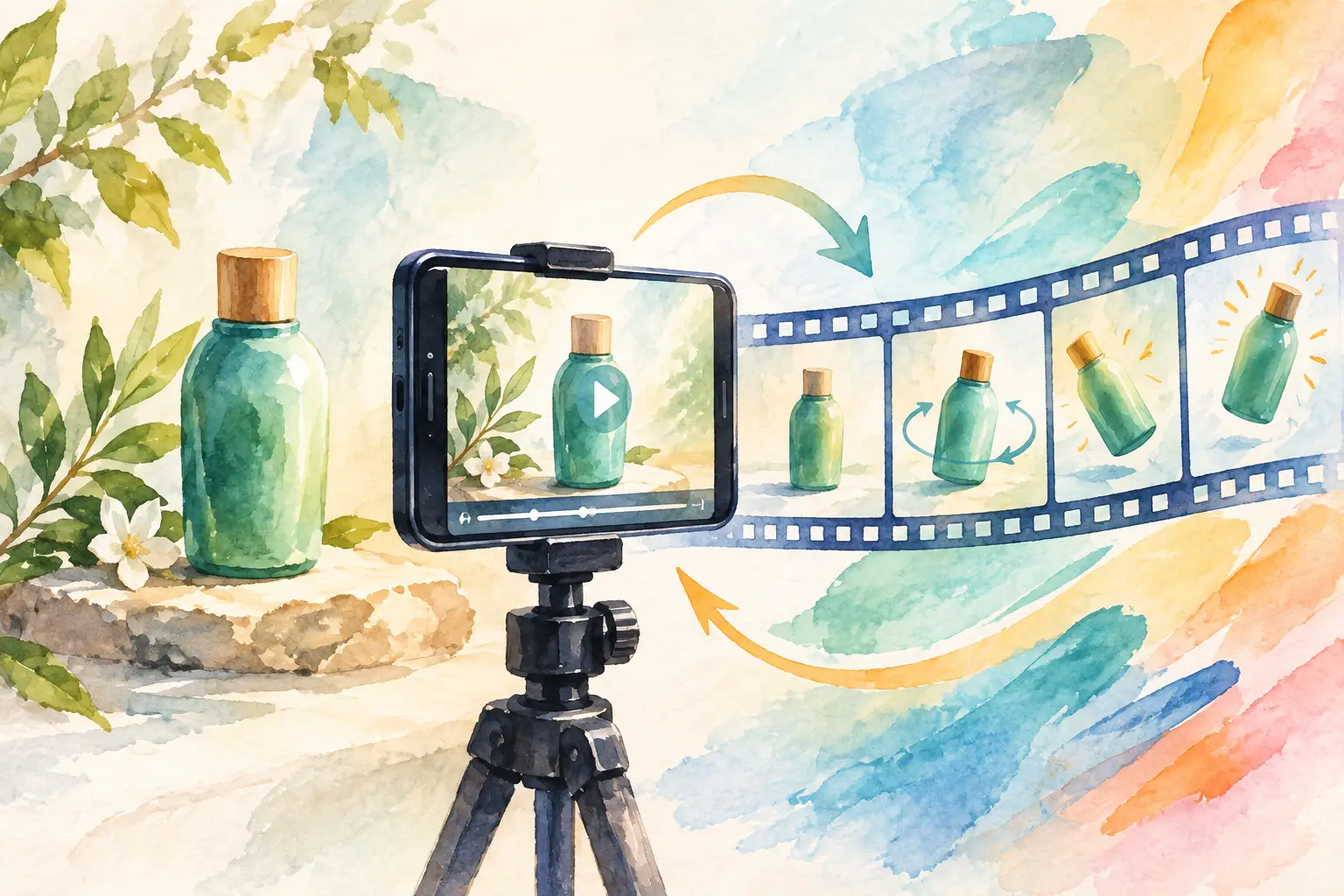
A clean product photo can earn a pause. A product photo with the right motion can earn the click, the save, or the sale. When you animate product photos, the goal is not to make every frame move. It is to give a static image a reason to hold attention in a feed built for video.
That shift matters for creators, brands, and small teams that need fresh campaign assets without booking a studio, reshooting inventory, or editing a new video for every product color. One strong source image can become an ad opener, a product reveal, a lifestyle clip, or a looping social post. The quality comes down to creative direction: what moves, how fast it moves, and what the motion says about the product.
Why animate product photos instead of just adding effects?
Motion turns a product image into a moment. A slow camera push can make a skincare bottle feel premium. Wind through fabric can make apparel feel tactile. A controlled spin can show the shape of a sneaker, bag, or collectible faster than a carousel of stills.
But movement is not automatically useful. Random zooms, floating objects, and aggressive transitions can make a product feel less believable. The best short clips preserve the details customers need to see: material, logo, color, silhouette, finish, and scale.
Think of animated product content as a focused visual claim. The product is glossy. The drink is cold. The jacket is light. The lamp changes the mood of a room. Build the clip around one claim rather than asking one five-second video to explain your entire brand.
Start with a photo that gives motion somewhere to go
AI can add movement, but the source photo sets the ceiling. Begin with an image where the product is clear, well lit, and separated from a confusing background. Sharp edges, readable labels, and consistent proportions make it easier to keep the product recognizable from first frame to last.
A front-facing packshot works well for subtle camera movement, reflection changes, or a clean turntable-style reveal. A lifestyle image gives you more room for environmental motion: steam above a cup, fabric moving in a breeze, sunlight shifting across a table, or people moving naturally in the background.
Leave some visual space around the product when possible. A tightly cropped image can still work, but it limits camera moves and can create awkward edges when the frame expands. If your final placement is vertical, use a source image that can comfortably support a 9:16 crop without cutting off the product.
Keep the product identity fixed
For branded products, consistency is the priority. Ask for motion around the object before asking the object itself to transform. Labels, type, packaging seams, and logos are where viewers notice mistakes first.
A simple rule helps: if a customer needs to recognize it before buying it, keep its core design stable. Use motion in the camera, lighting, atmosphere, or setting to create energy. Save dramatic morphs for concept work, fashion editorials, or teaser content where realism is less critical.
Choose one motion idea before you write the prompt
The fastest way to get a weak result is to request every visual idea at once. “Rotate, zoom, explode, sparkle, change colors, add people, and reveal a new background” is not a direction. It is a pile of competing edits.
Pick one primary movement and one supporting detail. For example, a candle can remain still while the camera pushes in and the flame flickers. A watch can slowly rotate while light travels across the metal. A beverage can stays centered while condensation forms and tiny droplets slide down its surface.
These are reliable motion directions for product photo animation:
- Slow push-in for premium, detail-led products
- Orbit or controlled rotation for shape and design
- Pull-back reveal for products placed in a lifestyle setting
- Environmental movement for clothing, food, home, and beauty
- Quick transformation for launches, drops, and trend-led social posts
The product category should guide the choice. Jewelry benefits from precise light and restrained movement. Food often needs texture, steam, pour shots, or a satisfying cut. Tech products can support graphic, controlled camera moves. Apparel needs believable body and fabric behavior, so give the motion room to breathe.
How to animate product photos with a clear prompt
A good prompt reads like a creative brief for one shot. Start with the subject, name the camera behavior, describe the environment, then set the visual mood. Add restrictions when the product must stay true to the source image.
Try this structure: product + movement + camera + setting + lighting + guardrails.
For a fragrance bottle, that could be: “A luxury amber fragrance bottle on dark stone. Slow cinematic push-in as soft smoke drifts behind it. Warm side lighting creates reflections on the glass. Keep the bottle shape, label, and gold cap unchanged.”
For a sneaker: “White running sneaker on a clean studio pedestal. Slow 180-degree product rotation with a subtle camera orbit. Bright editorial lighting, soft shadow, crisp texture. Preserve the exact sole shape, laces, and logo placement.”
For a coffee product: “Iced coffee bottle on a sunlit cafe table. Camera pulls back slowly while condensation gathers on the bottle and sunlight shifts across the surface. Natural summer mood. Keep the packaging and label accurate.”
Specific prompts do not need to be long. They need to establish priorities. If product accuracy matters most, say so directly. If the clip should feel like a fashion campaign rather than a literal product demo, lead with the desired mood and camera language.
Add references when the look matters
A reference image can help define the visual direction, especially when your team is working from an existing campaign world. Use it to communicate color palette, framing, lighting, materials, or location style.
Do not treat a reference as a substitute for direction. Pair it with a concise instruction such as “use this warm, minimal editorial lighting” or “match this high-energy streetwear pacing.” The source product photo remains the hero. The reference tells the shot how to feel.
Set duration and format for where the clip will live
A beautiful clip can still underperform if its format is wrong for the placement. Decide the destination before generation. Vertical 9:16 works for short-form social feeds and stories. Square can work for catalog-friendly posts. Wider formats give more room for cinematic product scenes and website banners.
For most product social content, short is stronger. A three- to six-second clip can communicate one movement cleanly and loop naturally. If the video needs text, a voiceover, or multiple beats, use a longer duration only when each beat earns its place.
The first second carries the most weight. Start close enough to show the product, begin with movement already underway, or use a visual change that creates immediate curiosity. Avoid spending the opening on a blank background or a slow reveal that hides the item too long.
In vbros, you can use a preset for a fast starting point, then adjust details such as format, duration, quality, sound, references, and prompt direction before generating. That split is useful when you need both volume and control: move quickly for variations, then refine the strongest concept shot by shot.
Review the result like a product marketer, not just an editor
Before publishing, watch the clip once with sound off and once at feed speed. Can someone tell what the product is immediately? Does the motion make the product look better? Are the label, edges, and materials stable enough for the campaign?
Then check the practical details. Make sure the product stays inside safe crop areas, especially if text or platform controls may cover the bottom of a vertical video. If you add copy, keep it brief and give it contrast. The visual should do most of the persuasion.
Create variations instead of forcing one clip to serve every purpose. One version can use a close-up for a paid ad, another can pull back for an organic post, and a third can focus on a tactile detail for a story. Reusing the same product photo is not repetitive when each animation has a distinct job.
Build a repeatable product motion system
Once you find a style that works, document the ingredients: source-photo setup, prompt structure, lighting terms, camera movement, duration, and final format. This gives your product content a recognizable rhythm without making every post identical.
For a small team, that system saves more than production time. It makes approvals easier because everyone can see the intended level of realism and motion before creating a batch. For creators, it means a single product shoot can keep generating new angles long after the still images are posted.
Start with the smallest useful motion. A subtle shift in light, a slow camera move, or one satisfying reveal is often enough to turn a product photo into a clip people stop to watch.