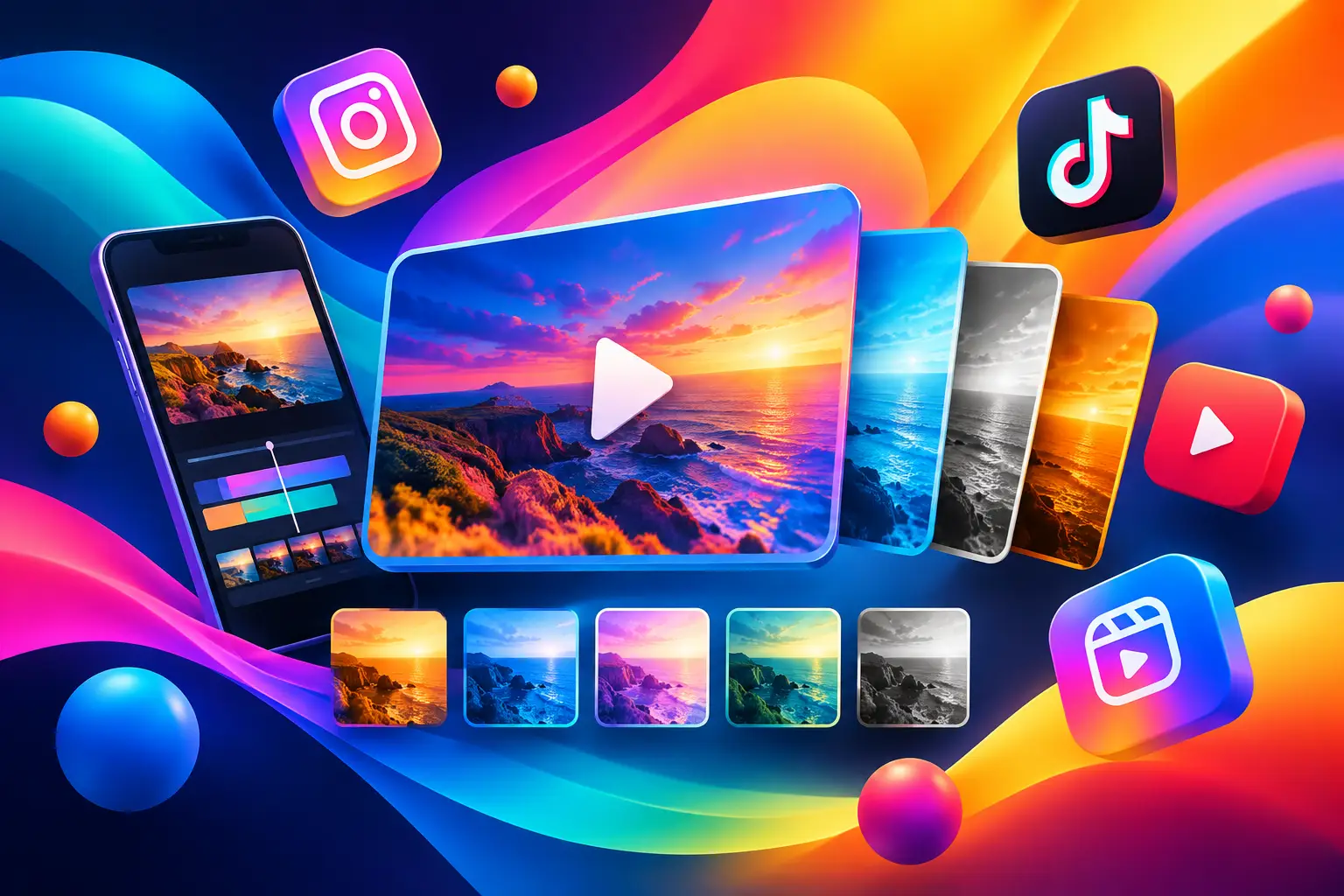
A preset is not just a shortcut. It is a creative decision made before the first frame renders: how fast the clip moves, where the subject sits, what kind of motion earns a pause in the feed, and how much room is left for your message. The best AI video presets for social media make those decisions faster without making every post look the same.
For creators and small teams, that matters. A product launch might need a clean reveal. A personal brand may need a photo that feels alive without becoming a gimmick. A campaign may need ten variations that share a visual direction but not the exact same scene. Start with the format and motion language that match the job, then use your prompt, source image, references, and settings to make it yours.
What makes an AI video preset worth using?
A strong preset gives you a useful starting point, not a finished creative brief. It should establish a clear visual behavior - such as a camera push-in, a quick transformation, an editorial product move, or a cinematic environmental shot - while leaving room to control the subject, color, styling, and message.
The right choice also depends on where the clip will live. Vertical 9:16 footage needs a focal point that works around interface overlays and captions. A square post can hold a centered product or portrait. Wider formats give more space for scene-building, but they can lose impact when repurposed as short vertical video.
Use trends as input, not instructions. A popular transition can help a new account feel native to the platform. But when every post uses the same flash cut or floating-object effect, the audience stops seeing the idea and starts seeing the template. The best preset is the one that supports the story in one or two seconds.
Best AI video presets for social media
Product reveal
Use a product reveal preset when the object is the headline. These presets usually begin with a close detail, obscured frame, or empty scene before moving into a clear hero shot. They work well for skincare, accessories, packaging, food, apps, and digital products with a distinct visual identity.
Keep the prompt specific about material and movement. Instead of asking for a product to look premium, describe what premium means: frosted glass, soft studio shadows, a slow orbit, condensation, a reflective surface, or crisp daylight. If your audience needs to understand the product quickly, choose a clean reveal over a highly surreal transformation.
Photo-to-motion portrait
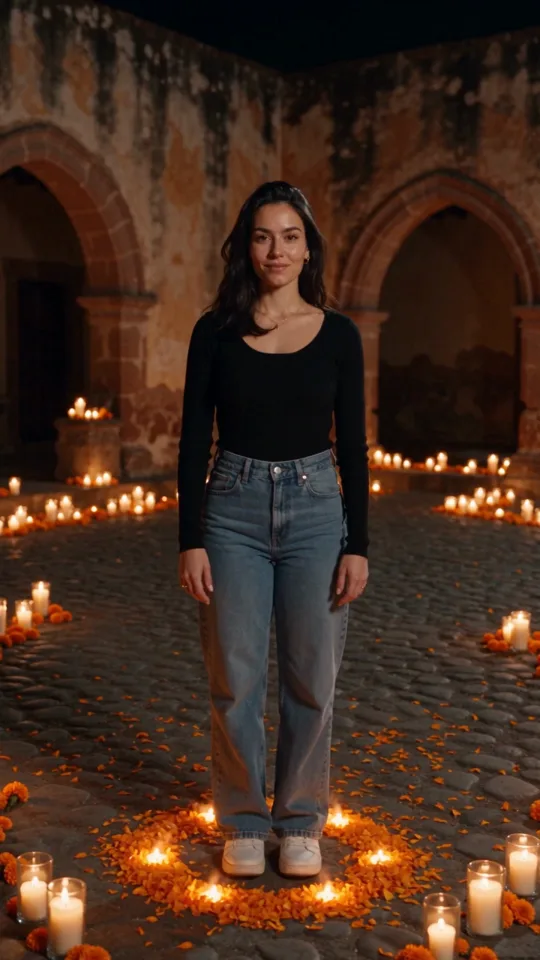
A photo-to-motion preset is useful when you have a strong still image but need more energy than a static post can provide. It can add subtle camera movement, wind, changing light, or a natural shift in expression to a creator portrait, editorial image, or campaign hero.
Restraint is the difference between polished and distracting here. A gentle push-in or side-to-side camera move usually performs better for a personal brand than exaggerated facial motion. Use a high-quality source photo, state the intended motion clearly, and preserve recognizable details with reference controls when available.
Outfit transition
Outfit transitions make sense for fashion, beauty, styling, and creator content built around change. A subject can move from casual to campaign-ready, shift through several looks, or step from one visual world into another. The format is familiar on social, so the execution needs a sharp point of view.
Anchor the prompt around a repeatable action: turn toward camera, cover the lens, step through a doorway, or spin into the next look. Then define the clothing, location, and lighting for each state. If the goal is product clarity, limit the number of outfit changes. Three distinct looks are easier to read than seven fast variations.
Before-and-after transformation
Transformation presets are built for contrast. They can show a room redesign, a makeup look, a menu concept, an illustration process, a branded environment, or a visual identity shift. The audience understands the premise immediately: this was one thing, now it is another.
The trade-off is credibility. A dramatic result can attract attention, but it should not confuse viewers about what you actually sell or deliver. For service marketing, label the concept clearly in on-screen copy. For design and entertainment content, push the contrast further and let the transition carry the hook.
Cinematic location shot
Use a cinematic location preset to establish atmosphere before you explain anything. Think a rain-lit street for a music teaser, a sun-washed kitchen for a recipe launch, or a quiet coastal house for a travel concept. These clips work especially well as openers, mood posts, and visual breaks between direct-to-camera content.
A location shot needs one intentional camera behavior. A slow dolly forward, overhead drift, or tracking move gives the scene purpose. Add too many actions - birds, cars, weather changes, crowds, lens flares - and the image can feel busy before viewers have found the subject.
Surreal object loop
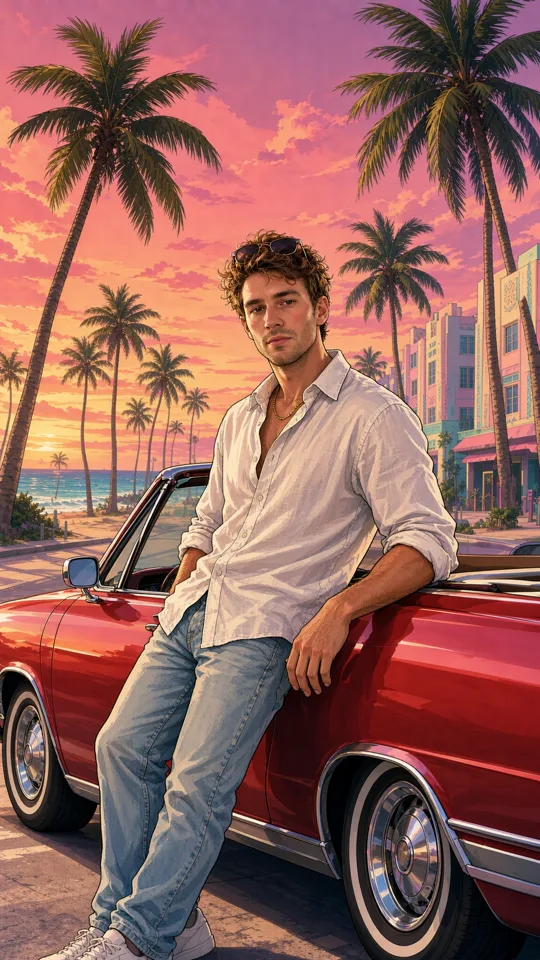
A seamless loop turns a small idea into a rewatchable moment: flowers growing from a sneaker, a tiny city inside a coffee cup, a lipstick painting a sunset, or a logo assembling from liquid chrome. This preset style is especially useful for entertainment, concept campaigns, and brands that want a visually native break from standard product content.
Build the loop around one impossible behavior. The clearer the behavior, the better the repeat. If the clip is meant for an ad, reserve a clean final frame for the product name or callout. A clever loop with no visual hierarchy may earn views but miss the message.
Choose the preset by the post's job
Before selecting a preset, decide what the post needs to accomplish. Awareness content can be more atmospheric and unexpected. Consideration content should show the product, process, or benefit earlier. Conversion-focused creative usually needs a clean subject, readable text space, and less visual ambiguity.
This simple filter prevents a common mistake: choosing a preset because it looks impressive in the gallery, then forcing a campaign message into it. A beauty transformation may be perfect for a launch teaser and wrong for a tutorial. A cinematic travel shot may set a mood but fail when the real objective is to show five features in 10 seconds.
Also match the pace to the platform behavior you expect. Fast transformations and loops are built for an immediate hook. Product reels often benefit from a half-second of visual intrigue before the item appears. Storytelling clips can breathe longer, especially when voiceover or sound carries the narrative.
Turn a preset into original content
Start with the preset, then give it a clear creative brief. Name the subject, setting, visual style, camera action, and mood. Add a reference image if a specific person, product, location, or design element must stay consistent. References are not a substitute for a prompt - they work best when the written direction says what should remain and what should change.
Next, set the production controls for the distribution plan. Choose vertical format for most short-form feeds, then adjust duration around the idea rather than automatically choosing the longest option. A three-second loop may outperform a longer clip if the concept is one visual surprise. For a mini story, use multiple clips and build the sequence shot by shot.
Sound deserves the same early decision. Some presets are strongest as silent visual hooks with captions. Others need rhythmic audio, ambient atmosphere, or a voiceover beat. If you plan to add platform-native sound later, generate a clip with clear visual timing and enough space for text instead of relying on generated audio to solve the edit.
In vbros, you can move from a trending preset to more detailed controls when the idea needs them: adjust model, length, quality, format, sound, prompt details, and references, then keep usable results organized in your creative library. That path matters when a quick experiment becomes a repeatable campaign direction.
Test variations, not random ideas
One prompt rarely produces the definitive post. Generate a small set of purposeful variations: change the opening frame, camera motion, background, or first line of on-screen text. Keep the core idea stable so you can tell what is actually improving the result.
For example, a product reveal can use the same bottle and lighting across three versions while testing a slow orbit, a drop-in reveal, and a macro-to-wide move. The comparison is useful because the audience sees a consistent product. If every variable changes at once, you are reviewing different concepts, not learning which creative choice worked.
Watch for the first-frame test. If the initial image does not create curiosity, recognition, or immediate context without sound, revise it. Then check the final frame. It should either loop cleanly, land the message, or give viewers a reason to take the next action.
The preset should make the blank canvas disappear, not make your creative judgment disappear. Pick the motion that gives your idea momentum, keep the subject clear, and make the next post feel like it belongs to your feed rather than anyone else's.