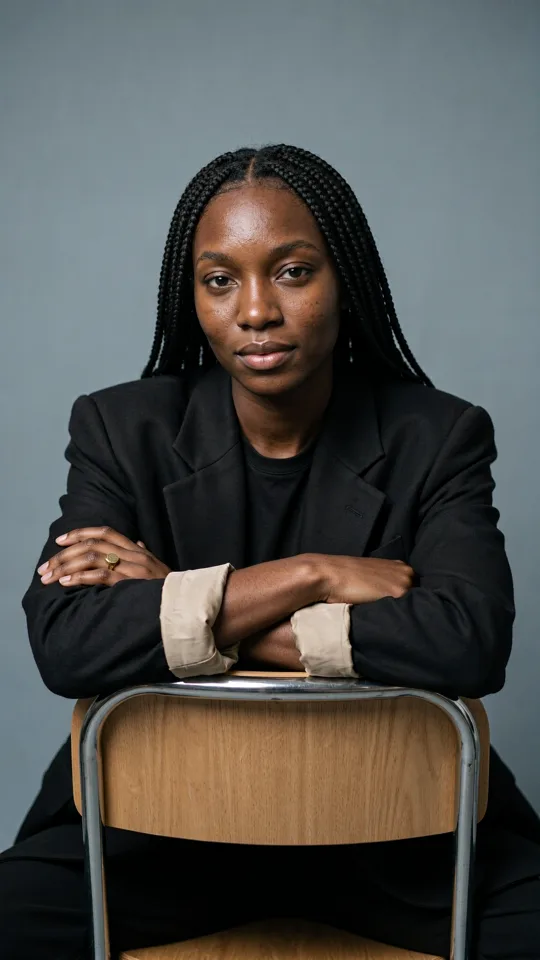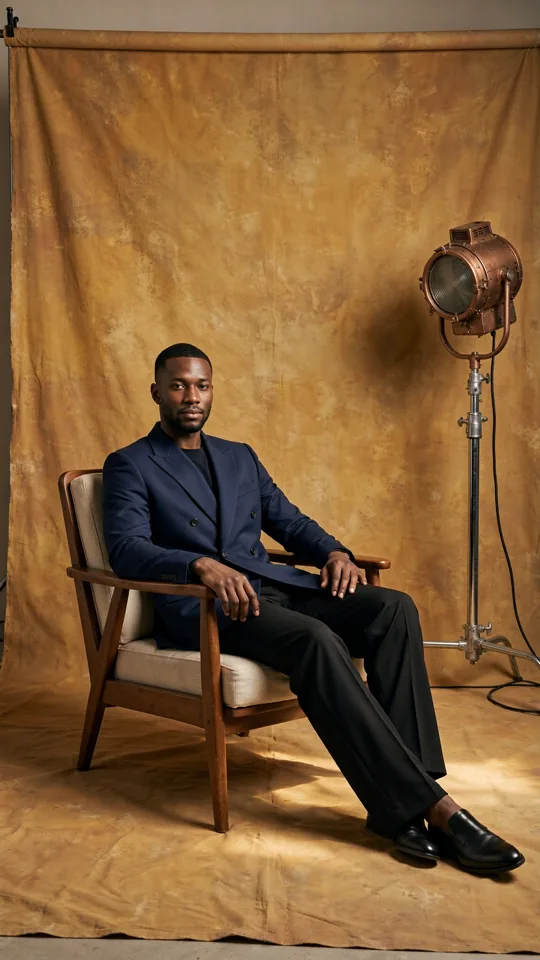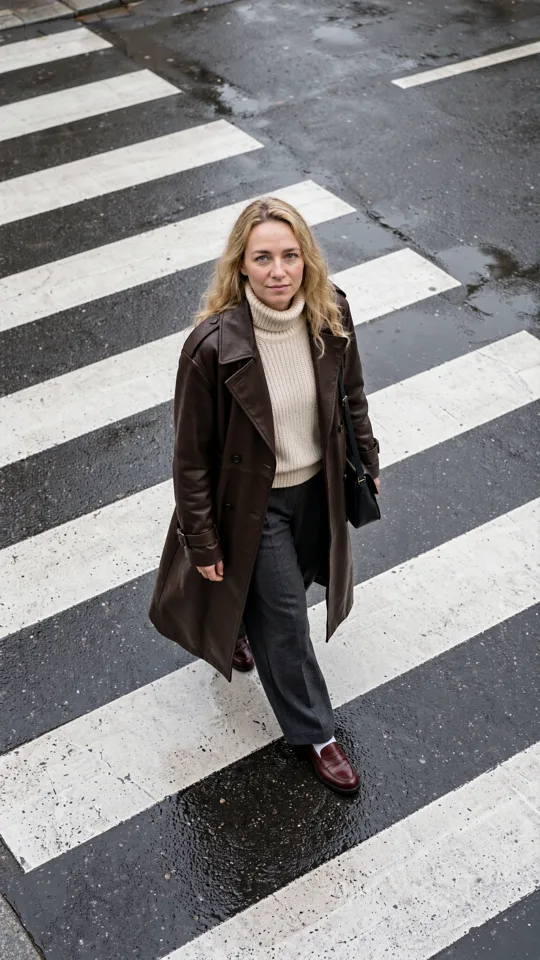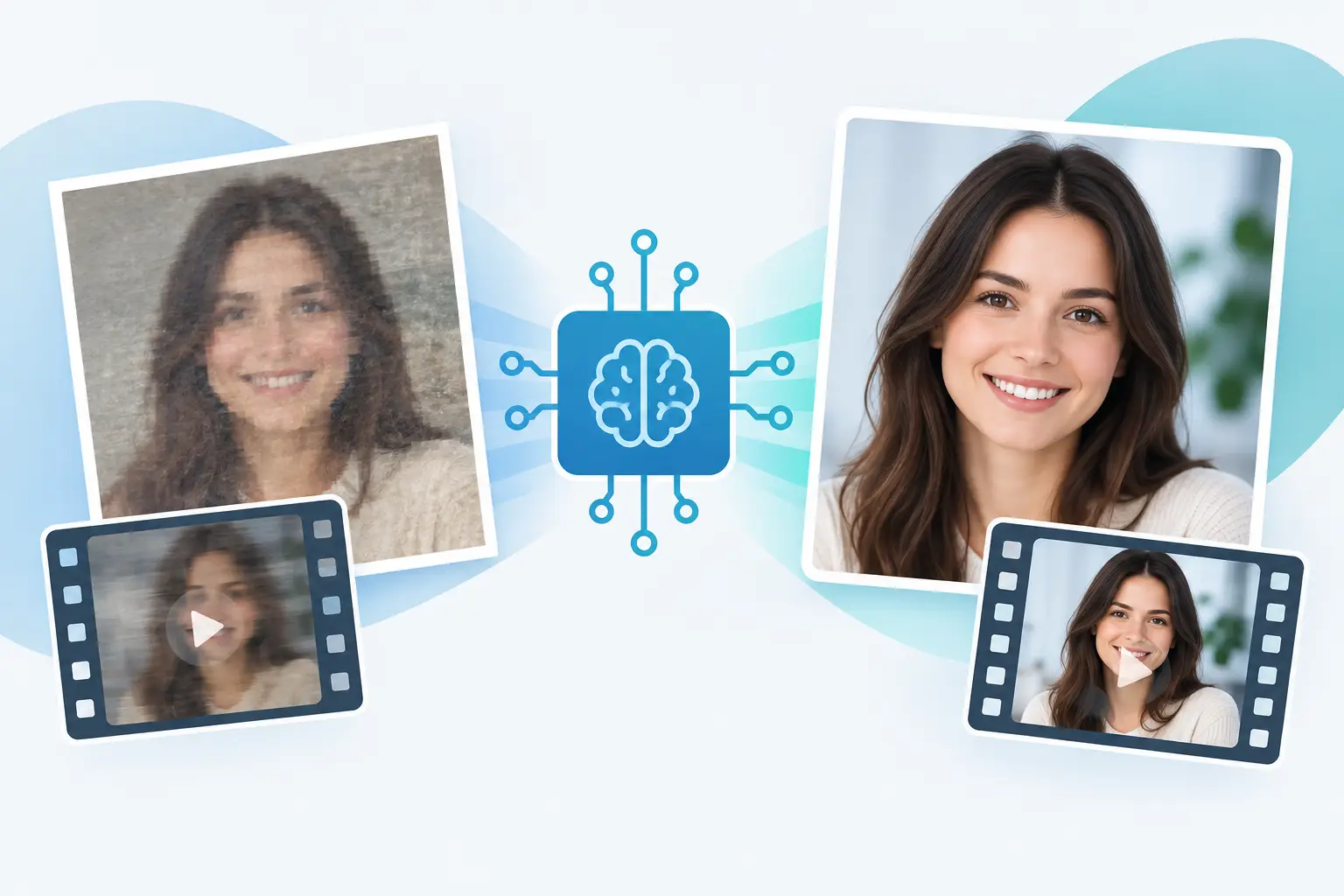
A face is not just another reference detail. It is the thing viewers notice first when a character changes between shots, a campaign model no longer looks like the same person, or a personal photo comes back with unfamiliar features. So, can AI preserve faces? Yes, often remarkably well, but consistency is a creative setup problem, not a button you press once.
The strongest results come from treating identity as a production asset. Give the generator a clear face reference, describe what must stay fixed, and make changes one variable at a time. That approach works whether you are building social content around a recurring character, creating product lifestyle visuals, or turning a source photo into a short video.
Can AI preserve faces reliably?
AI can preserve a person's apparent identity across generated images and short clips, especially when it has a clean, well-lit source image and a focused creative direction. It can carry over major features such as face shape, hairline, eye color, skin tone, age range, and overall look.
But “preserve” does not mean “copy with forensic precision.” Generative models interpret a face rather than storing it like a passport photo. A small change in lighting, camera angle, lens style, expression, or prompt can lead the model to reinterpret details. The results may still look convincing shot by shot, yet drift enough that a viewer notices the person is not quite the same.
Image generation is generally easier than video. A single still gives the model one composition to solve. Video adds movement, changing angles, facial expressions, motion blur, and consistency across dozens or hundreds of frames. A good source and controlled shot direction narrow that challenge substantially.
What makes face preservation work
The quality of the source photo sets the ceiling. Use a sharp image where the face is visible, evenly exposed, and not hidden by sunglasses, hands, hair, or heavy shadows. A front-facing portrait is useful, but it should not be your only reference if you need cinematic side angles or profile shots later.
For ongoing creative work, build a small identity set instead of relying on one perfect selfie. Include a neutral front view, a three-quarter view, a side view, and at least one image with the intended hairstyle and styling. Keep the background simple. These references give the model more evidence about what belongs to the person and what is only part of one photograph.
Prompt language matters, too. Start with the identity, then add the scene. Describe the traits that should remain stable in plain creative terms: “same woman from reference, oval face, short dark bob, soft freckles, brown eyes.” Follow with the shot: “walking through a sunlit downtown street, handheld medium close-up.”
This order helps prevent the scene concept from overpowering the person. If the visual direction is highly stylized, be realistic about the trade-off. A claymation look, extreme beauty editorial lighting, anime rendering, underwater scene, or fisheye close-up can intentionally reshape facial features. That may be the point, but it is not the right setting to demand exact likeness.
Set up identity before you chase the trend
Creators often begin with a trending preset, then try to force a face into it. That can work for quick experimentation, but a repeatable workflow starts from the opposite direction: establish the character first, then adapt the look.
Save your best source images and successful generations in a dedicated character folder. Label the asset clearly and use it as the visual anchor for future prompts. If your platform supports reusable characters, references, or a creative library, keep the approved face, wardrobe direction, and useful test shots together. The goal is simple: do not recreate the brief from memory every time you need another clip.
Once you have a successful portrait, use it to make a controlled set of follow-up images. Change the location while keeping the pose similar. Then change the wardrobe. Then test a wider camera angle. This gives you a practical sense of where the identity holds and where it begins to drift.
A Studio-style workflow is especially useful for multi-clip projects. Create and approve the character close-up first. Use that result as a reference while building the establishing shot, action shot, and final detail shot. It is faster than generating a whole sequence, spotting a mismatch, and starting again from scratch.
Controls that reduce face drift
Face consistency improves when you reduce conflicting instructions. The more major changes you ask for in one generation, the harder the result is to steer. Instead of asking for a new person, new setting, dramatic pose, new era, extreme lighting, and motion all at once, lock the person first and add complexity in passes.
Use the same reference asset across related shots. Keep your model choice, quality setting, and aspect ratio stable while you are testing identity. A switch from vertical social video to a wide cinematic frame can change how much of the face the model prioritizes, so review it as a new shot rather than assuming the result will match automatically.
For video, begin with restrained movement. A close-up with a slow head turn, subtle blink, or gentle camera push is a better identity test than a fast dance, a spinning camera, or a crowded action scene. Once the face holds under simple motion, expand the action and camera language.
Prompt for camera intent when it matters. “Tight portrait,” “medium close-up,” and “wide shot from behind” give the generator useful priorities. If a face must be recognizable, do not bury it in a wide shot and expect the same fidelity you would get from a close portrait.
Common reasons a face changes
A face can drift for ordinary creative reasons. The reference may be too small or too compressed. The prompt may use vague language such as “beautiful influencer,” which invites a generic interpretation. Or the scene may introduce competing cues, like a different age, ethnicity, hairstyle, makeup style, or historical period.
Some failures happen because the desired result is physically difficult. Strong side profiles reveal details that a front-facing reference never showed. Harsh colored light can change perceived skin tone. Open-mouth dialogue and big expressions make facial animation more demanding than a calm expression. Heavy transitions, fast cuts, and low-detail frames can also hide or distort small features.
When this happens, do not keep adding more adjectives. Simplify the brief. Return to the last approved reference, use a cleaner shot, and specify only the traits that are truly non-negotiable. If the face still shifts, generate a new anchor portrait in the intended style first, then use that portrait to guide the next scene.
Preserve identity without over-controlling the result
There is a point where too much instruction makes creation slower. If every prompt repeats a long biometric description, you may get stiff, over-constrained images that leave less room for natural expression and visual surprise.
Think in terms of identity anchors. Choose two or three traits viewers use to recognize the person immediately, such as a distinctive haircut, freckles, eye shape, or face silhouette. Preserve those, then let lighting, wardrobe, setting, and mood evolve. A character can look like the same person in a rooftop night scene and a bright studio product shoot without wearing the same outfit or making the same expression.
This is also the difference between consistency and sameness. For brand content, a reusable face should feel like a real creative subject with range, not a static cutout pasted into every post.
Use face references responsibly
Only use photos you own or have permission to use. Consent matters most when a recognizable person is involved, particularly for commercial work, promotional content, or realistic video. Be clear with clients, collaborators, and talent about how their images will be used and whether generated variations may appear in paid campaigns.
Avoid using a person's likeness to imply endorsement, create deceptive footage, or produce content that could embarrass, harm, or mislead them. A capable creative workflow should make production easier, not remove basic judgment.
The practical answer is encouraging: AI can preserve faces well enough for compelling recurring characters, campaign visuals, and short-form storytelling. Start with an intentional reference set, approve an anchor image, and build each new scene from that foundation. The result is not just a face that matches - it is a character your audience recognizes before the next frame even lands.