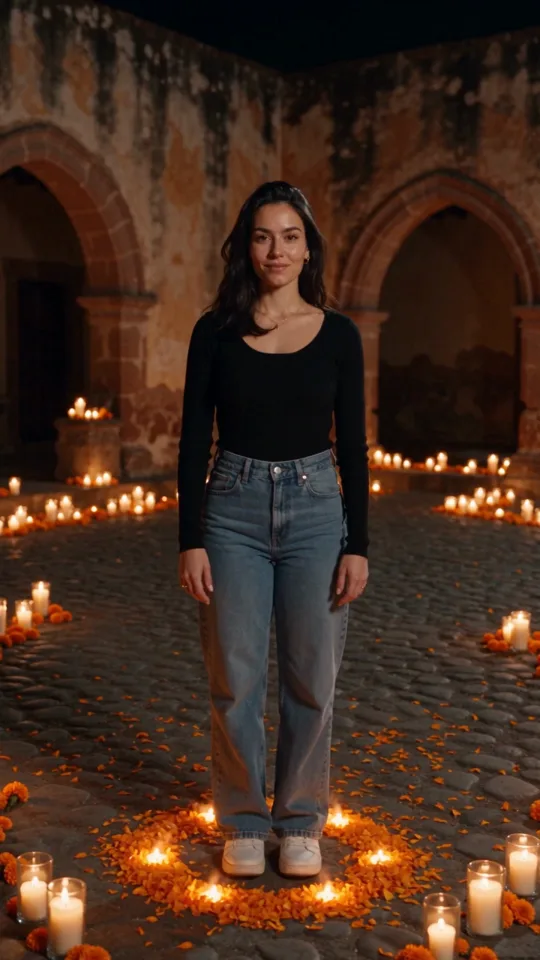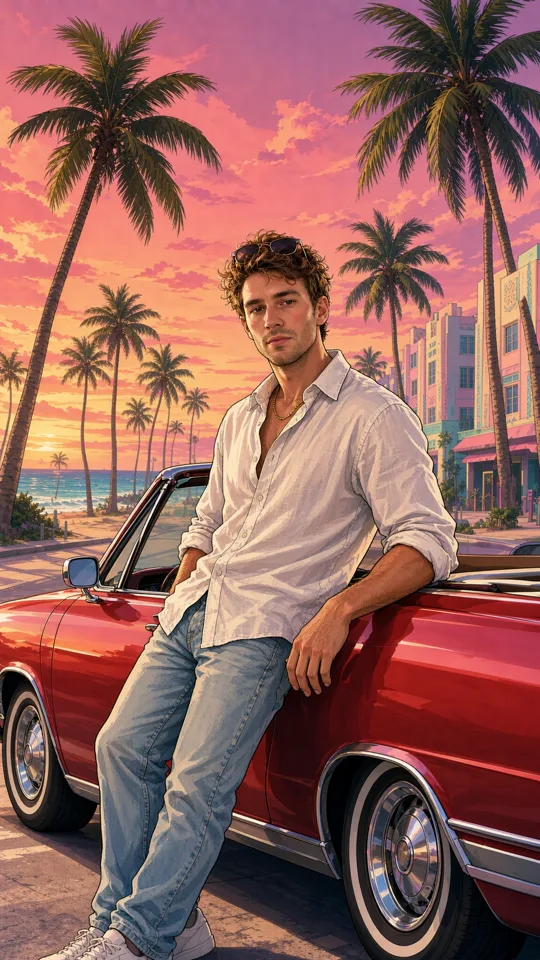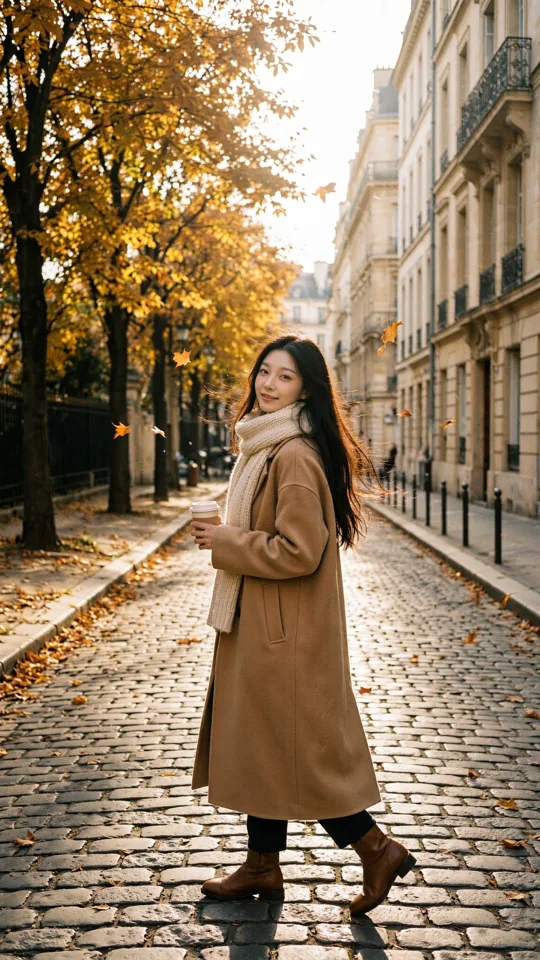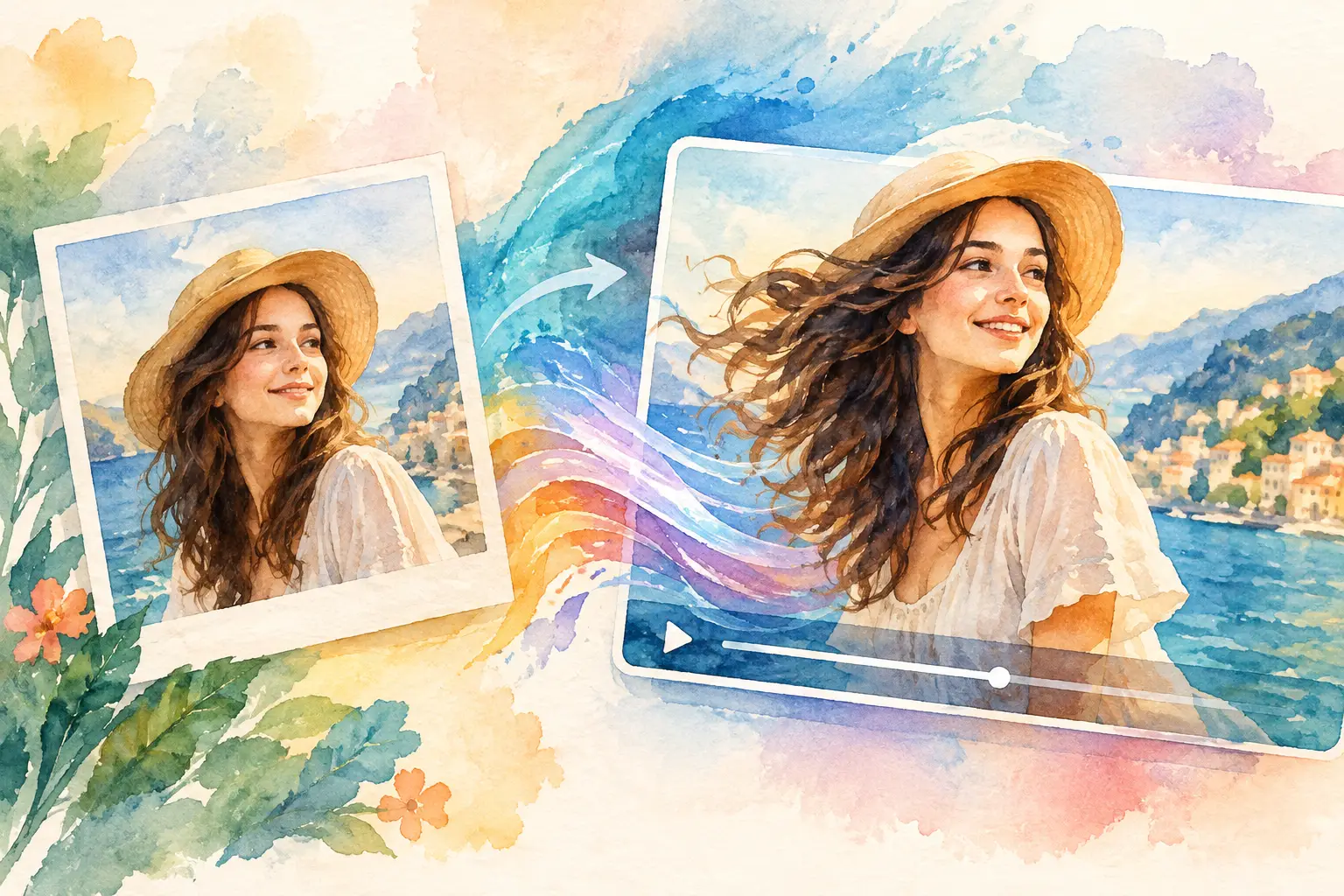
A still image can earn a pause. A moving image can earn the next three seconds of attention that a social feed usually steals away. AI photo animation gives creators a fast way to turn a portrait, product shot, campaign visual, or old photo into a short clip with motion that feels designed instead of accidental.
The difference comes down to direction. Adding movement is easy. Choosing movement that supports the idea, protects the subject, and fits the final format is where a useful clip starts.
Start with one clear motion idea
The best animated photos are usually built around one visible action. A model turns toward camera. Steam rises from a coffee cup. A sneaker rotates slightly as light moves across the material. A city skyline shifts beneath passing clouds. When every part of the frame is asked to move at once, the result can feel busy, synthetic, or hard to watch.
Before writing a prompt, decide what the viewer should notice first. For a portrait, that might be a subtle head turn and a blink. For a product, it could be a slow camera push-in with reflected light. For an editorial image, it may be fabric moving in the wind while the subject remains still.
This choice also helps you match motion to the purpose of the clip. A social teaser needs a clear beat in the first second. A landing-page visual can use slower, quieter movement. A dramatic concept film may benefit from a stronger camera move, as long as it does not distract from the story.
Choose source photos that give motion room
Not every image needs the same treatment. Photos with a distinct subject, clean edges, and believable depth tend to animate more predictably. A person standing near a window, a product on a tabletop, or a car on an open road gives the model useful visual signals about foreground, background, light, and perspective.
Crowded group shots, tiny faces, intricate hands, and heavily compressed images can require more testing. That does not make them unusable. It means the motion direction should be simpler. Ask for a gentle camera move or environmental movement rather than a full-body action that the original image cannot support.
If identity matters, start from the strongest available photo. Use a clear face, natural lighting, and a pose that does not hide key features. For brand work, make sure logos, product labels, and packaging are readable before animation. Motion can add energy, but it cannot reliably repair weak source material.
How to prompt AI photo animation with control
A good animation prompt reads more like a shot direction than a general description. The source image already defines the visual world. Your job is to tell the generator what changes over time.
Start with the subject action, then add camera behavior, environmental motion, and mood. For example: a close-up portrait slowly turns toward camera, soft breeze moves loose hair, shallow depth of field, natural daylight, restrained movement. This gives the clip a center of gravity.
For a product shot, try: camera slowly arcs around the bottle, condensation glistens, soft studio reflections move across the glass, premium commercial lighting, clean background. The camera move supports the product rather than making the frame feel like a special effect.
Be specific about pace. Words such as subtle, slow, restrained, handheld, locked-off, cinematic, or energetic change how the movement reads. If a result feels too active, reduce the number of instructions before adding more detail. A prompt with three strong directions often performs better than one packed with competing ideas.
Use negative direction when the clip needs restraint
Some projects have almost no room for visual surprises. A founder portrait, a recognizable creator, a beauty campaign, or a product close-up may need the subject to remain highly consistent. In those cases, add boundaries to the prompt: preserve facial features, maintain product shape, no exaggerated expression, no sudden camera motion, no extra objects.
This is especially useful when the source image includes details that cannot change, such as typography, jewelry, packaging, or a signature hairstyle. There is always a trade-off. More control can create calmer, more reliable clips, while looser direction can produce more unexpected and expressive results. Pick the approach that matches the creative brief, not the one that sounds most ambitious.
Build the clip for the final screen
Format is a creative decision, not an export setting to choose at the end. A vertical animation for Reels, TikTok, or Shorts needs the subject framed for a narrow screen. A horizontal clip can use wider environmental motion. A square crop works well for feeds where the product or face needs to stay front and center.
Leave space around the important subject when possible. A camera push-in can make a close crop even tighter, and platform overlays can cover the lower portion of a vertical frame. If text will be added later, plan for negative space rather than hoping a busy background will accommodate it.
Length matters too. A short clip with one readable action can loop cleanly and feel intentional. Longer clips create more room for mood, camera movement, and transitions, but they also introduce more chances for drift in faces, hands, or objects. For most social concepts, start short. Extend only when the story needs a second beat.
Sound should follow the same logic. Ambient sound can make a quiet image feel present. A beat-driven track can give a product reveal more pace. But audio should not be used to rescue unclear visuals. The first frame still needs to communicate the idea with sound off.
Test variations instead of chasing one perfect generation
Creative teams often lose time by rewriting a prompt from scratch after every result. A faster method is to keep the core idea stable and test one variable at a time. Generate one version with a locked camera, another with a slow push-in, and a third with a side arc. Then compare the clips against the actual goal: watchability, likeness, product accuracy, or campaign mood.
Track the settings that work. If a certain photo style, motion phrase, duration, or quality setting consistently produces useful results, save that approach as part of your creative system. Repeatability matters when you need a series of campaign assets rather than one lucky clip.
This is where a browser-based workspace such as vbros can help keep the process organized. Generate from a source image, adjust prompt details and production settings, then keep references and finished assets together while you build additional shots. Seeing generation costs before creating also makes it easier to test deliberately instead of treating every variation like a surprise expense.
Review the clip at full attention
Do not judge an animated photo only from a tiny preview. Check whether the face remains recognizable, the object keeps its shape, and the motion begins quickly enough for the intended platform. Look for flickering details, warped text, changing accessories, or camera movement that creates an awkward crop.
Then ask a more practical question: would someone understand this clip without your explanation? If the answer is no, simplify the action or choose a better source image. The strongest AI-generated clips are not displays of how much can move. They make one idea easier to feel.
Animate responsibly when the subject is real
Photo animation can make personal memories, creator content, and campaign visuals feel more alive, which also means permission matters. Get consent before animating another person's image, especially if the output suggests actions, expressions, or statements they never made. Be especially careful with children, public figures, client assets, and sensitive personal photos.
For commercial work, confirm that you have rights to use the source image, recognizable locations, trademarks, and reference materials. If the animation is stylized or fictionalized, make sure that choice is clear enough for the audience and appropriate for the context.
A good animated photo does not need to shout that it was made with AI. It just needs a reason to move. Start with a strong frame, direct one intentional action, and give the viewer a moment worth replaying.