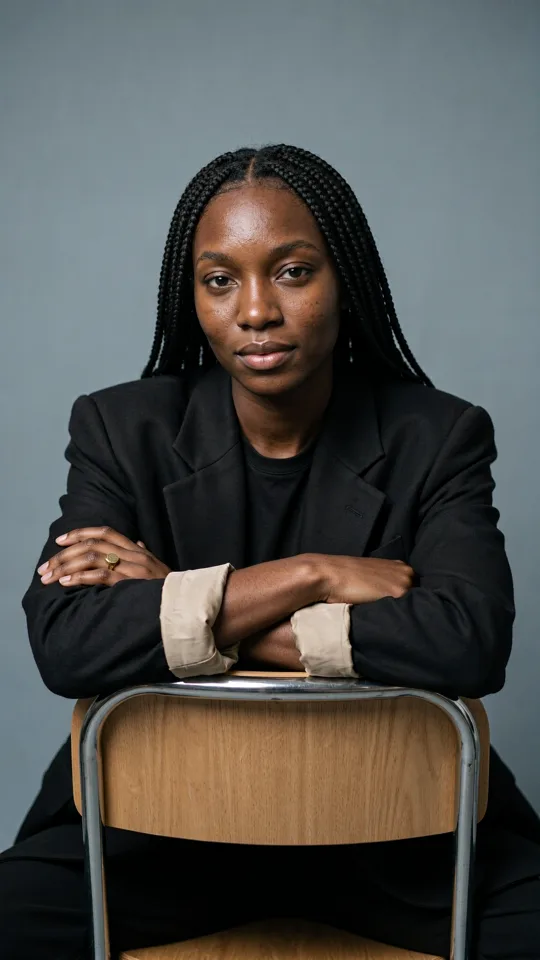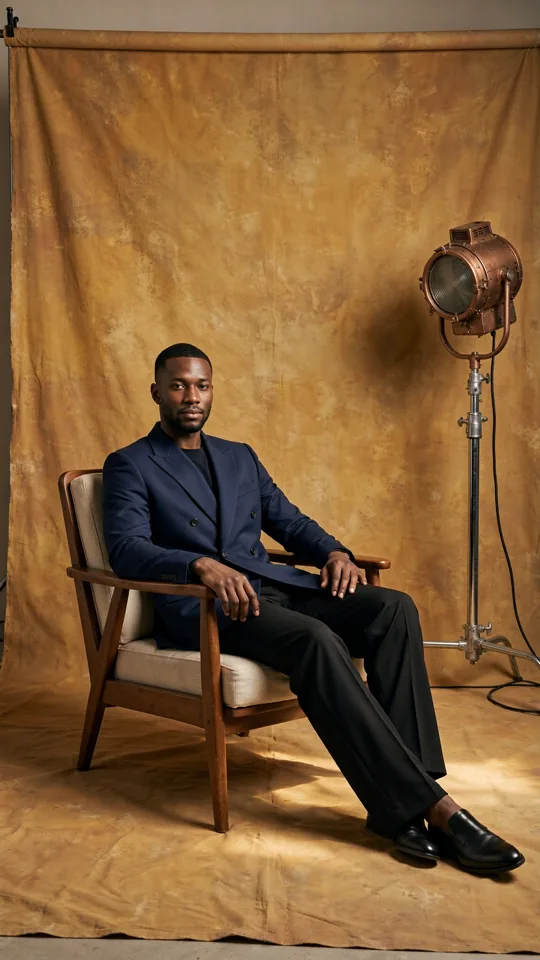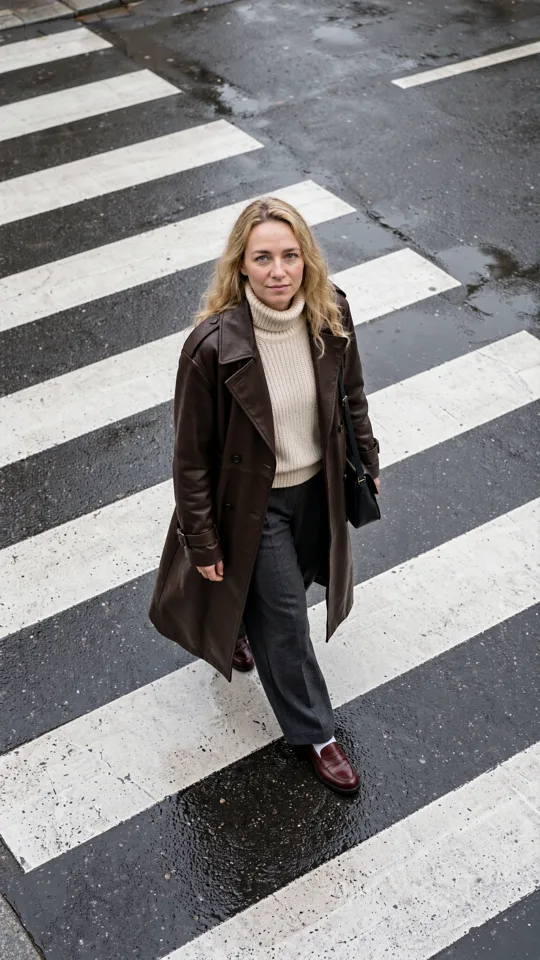
A campaign needs six vertical videos by Friday. A product launch needs fresh images before the next post goes live. A client has one clear thought - “make it feel cinematic” - and no shoot, crew, or location booked. AI content production gives creators a practical way to move from a rough brief to visual material while the idea still has energy.
That does not mean pressing a button and publishing whatever appears. The best work comes from treating AI as a production system: one that helps you test directions quickly, make choices earlier, and keep the assets that actually work. For social teams, filmmakers, designers, and marketers, the advantage is not just speed. It is the ability to create more options before committing budget, time, or a production calendar.
What AI Content Production Actually Changes
Traditional visual production has a natural sequence: concept, planning, casting, location, shoot, edit, revisions, delivery. That workflow still makes sense when the job needs a real product set, a recognizable spokesperson, or a carefully directed brand film. But it can be too slow for every concept that needs a visual.
AI content production compresses the early stages. A written idea can become a set of image directions, a product scene, a character study, or a short video concept in minutes. You can test a neon street scene against a clean studio frame. You can see whether a close-up feels more compelling than a wide shot. You can make a square campaign image and a vertical social clip from the same creative territory.
The shift is simple: production starts before every detail is locked. Instead of waiting for a final brief, creators can generate visual references that improve the brief itself. A rough prompt becomes a conversation starter. A first clip reveals what the pacing should be. An image can establish a color palette that the rest of the campaign follows.
This is especially useful when volume matters. Social feeds reward consistency, but audiences notice repetition. Generative tools make it realistic to explore multiple hooks, settings, formats, and visual treatments without treating every new post as a full-scale production.
Start With a Creative Decision, Not a Prompt
A prompt is not a strategy. “Make a cool ad” leaves too much unresolved, which usually produces generic output. Before generating anything, decide what the asset needs to do.
Is the purpose to stop a scroll, explain a feature, introduce a product, set a mood, or give a character a memorable entrance? Is the viewer watching on a phone with sound off, or is this a larger screen moment where audio carries the scene? One decision changes the choices that follow: framing, duration, motion, text space, sound, and the level of detail worth generating.
A useful creative brief can be short. Define the subject, the action, the setting, the mood, and the format. For example: a bright orange sneaker floating above wet pavement at night, camera circling slowly, reflections moving beneath it, vertical format, energetic electronic sound. That is enough direction to generate intentionally without writing a novel.
Then separate what must remain consistent from what can change. A product color, logo placement, character appearance, or setting may need to stay fixed. Camera angle, weather, lighting, pacing, and styling can remain open for experimentation. This distinction keeps the work on-brand while creating room for surprising results.
Build AI Content Production Around Variations
The fastest way to waste credits and time is to chase a single “perfect” generation from the first attempt. Better output comes from controlled variation.
Create a small first batch around one core idea. Keep the subject and message stable, then change one or two variables: a different camera distance, a new time of day, a stronger motion cue, or a different visual style. You are not asking which output looks nicest in isolation. You are asking which direction best serves the post, campaign, or scene.
For a short video, test the first second especially hard. That is where a viewer decides whether to stay. A fast visual reveal may outperform a beautifully rendered scene that takes too long to establish itself. On the other hand, a luxury product story may need slower movement and negative space. It depends on the audience, platform, and job of the asset.
Save the winners as references rather than trying to recreate them from memory later. A strong image can become a lighting reference. A successful character can become a reusable creative asset. A scene that nails the color treatment can guide the rest of a multi-clip sequence. Organized references turn isolated generations into a recognizable visual system.
Use Images and Video for Different Jobs
Images are excellent for finding a visual world quickly. They let you test composition, styling, wardrobe, product environments, and art direction with low commitment. If a visual idea cannot work as a compelling still, it may not become stronger just because it moves.
Video adds time, motion, pacing, and sound. Use it when movement is part of the story: fabric shifting in wind, a product rotating into view, a character stepping through a scene, or a camera moving from detail to reveal. Short-form video does not need a complicated plot. One clean action can carry the entire clip.
For a multi-clip film, think in shots rather than one giant instruction. Establish the setting. Move closer to the subject. Give the viewer a payoff. Build each shot with a specific role, then review the sequence as a whole. This makes it easier to replace a weak clip without rebuilding the entire piece.
Tools such as vbros support this approach by keeping one-line generation for fast exploration alongside a Studio workflow for building and organizing individual shots. That matters when a loose concept grows into a campaign, because the assets, references, and decisions stay connected instead of getting buried across folders and tabs.
Keep Control Where It Counts
Fast creation should not hide the production decisions. Format, length, quality, model choice, sound, references, and prompt detail all affect the result and the cost of making it. Clear settings help creators decide when a quick test is enough and when a polished final is worth more credits.
Use lower-stakes tests to identify a direction, then increase quality once the concept is working. Generate a few short variations before committing to longer clips. Choose the output format based on where it will run instead of cropping an afterthought into place. A vertical frame should be composed vertically from the start, especially if product details or faces need to stay in view.
References deserve special attention. Source photos and saved assets can preserve the parts of a concept that text alone cannot reliably carry: a specific object, a recurring character, a room, a garment, or a brand color. They are not a substitute for creative direction, but they give the generation a clearer target.
There are limits. AI may misread small text, struggle with exact product geometry, or create motion that feels slightly off. If legal accuracy, brand-critical packaging, or a real person’s likeness is central to the piece, review every frame closely and use approved source material. A good workflow knows when generated media leads and when it supports a traditional edit, photo shoot, or design pass.
Make the Review Process Fast Enough to Matter
Generation is only half the work. The other half is selecting what deserves another pass.
Review assets against the brief, not just personal taste. Does the first frame communicate? Is the subject clear on a phone screen? Does the clip have a usable loop, transition, or ending? Does the visual support the campaign message? A technically impressive result can still be the wrong asset if it does not give the editor, marketer, or audience what they need.
Name and group the assets you plan to reuse. Keep the best character, location, product treatment, and visual references together. Record the prompt language and settings behind strong results so a good direction becomes repeatable. This is how a rapid experiment becomes a dependable creative workflow.
The next time a brief lands with an impossible timeline, do not start by asking what production you can afford. Start by making the first visual decision, generate a few focused directions, and let the strongest frame tell you what to create next.