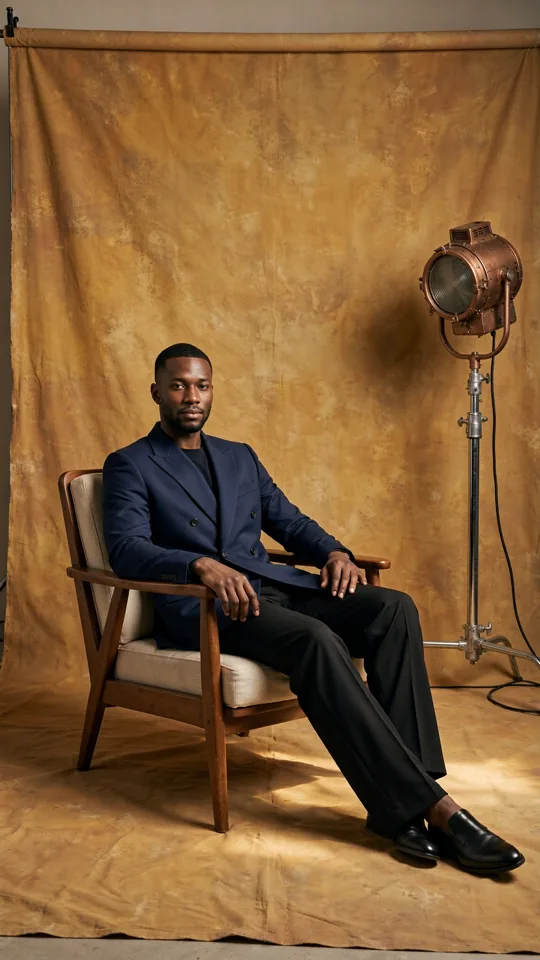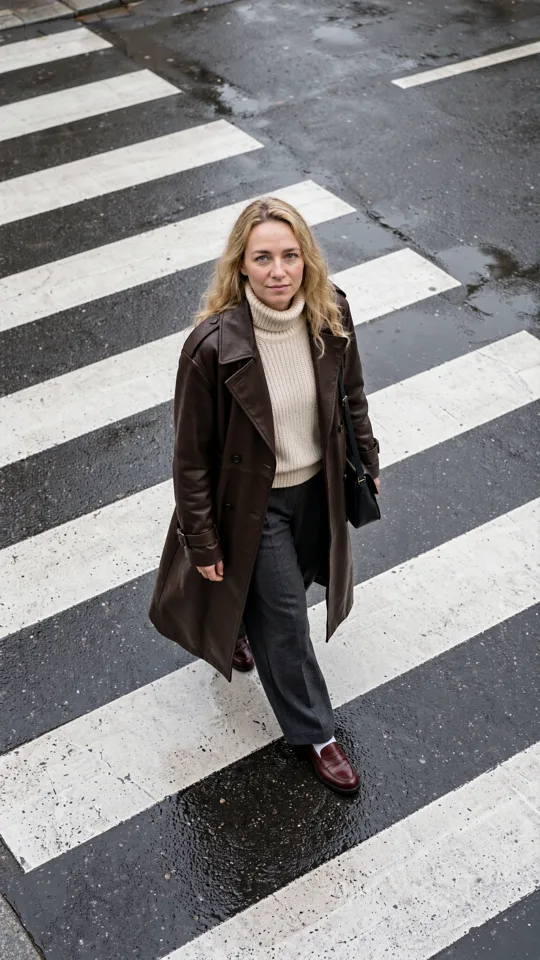
A beauty campaign needs clean skin texture and believable product packaging. A meme needs a strange visual idea in minutes. A storyboard needs the same character in six shots. Put those briefs into one generator with one default model, and at least one of them will feel like a compromise. That is why image models compared side by side is more useful than asking which model is simply “best.”
The right model is the one that gets your specific image closer to usable on the first few generations. For creators, that means judging more than sharpness. You need to consider how well a model follows the prompt, handles reference images, keeps a character consistent, renders text, respects composition, and fits your turnaround time and credit budget.
Image Models Compared: Start With the Brief
An image model is not a universal camera. Each one has its own visual instincts. Some lean toward polished editorial realism. Others are better at graphic illustration, cinematic lighting, product concepts, or deliberately surreal scenes. A model can be impressive in a feed and still be the wrong choice for a campaign asset.
Start by naming the job, not the aesthetic. If you are making a social launch post, ask whether you need a readable headline area, a vertical frame, and room for a product overlay. If you are creating visual development for a short film, ask whether the model can preserve a location, wardrobe, and character details across multiple images. If you are making a concept board, range and speed may matter more than pixel-perfect hands.
This changes the test. Instead of giving every model the same vague prompt, give it a prompt that reflects the production task. A useful test prompt includes subject, action, setting, camera or composition, lighting, format, and any must-keep details. Add a reference when brand color, a product silhouette, or a recurring character matters.
The Six Qualities That Actually Change Your Output
Prompt adherence
Prompt adherence is how faithfully a model translates your instructions into the image. Strong adherence matters when a concept has multiple constraints: a red jacket, a yellow taxi, rain on the pavement, a low-angle shot, and clear empty space at the top for copy.
Models with looser adherence can create attractive surprises, but they may swap wardrobe colors, ignore camera direction, or add props you never requested. That can be useful for exploration. It is less useful when your creative brief has approvals attached. For controlled work, choose the model that misses fewer non-negotiables before you worry about tiny style differences.
Realism and material detail
Realism is not one thing. A model may make convincing portraits but struggle with jewelry, transparent packaging, food textures, or product labels. Another may create beautiful interiors while making hands look awkward. Look closely at the details your audience notices first.
For people, inspect eyes, teeth, hairlines, fingers, and the way clothing folds around a pose. For products, inspect edges, reflections, logos, and contact shadows. For spaces, inspect perspective, repeated patterns, and whether furniture sits naturally in the room. A high-resolution image does not automatically pass these checks. Resolution can make flaws easier to see.
Style range
Some models are strongest when you want a polished, familiar look: commercial photography, film stills, lifestyle imagery, or clean digital art. Others can push further into editorial collage, anime, 3D objects, poster design, or dreamlike concepts.
Style range matters when your content calendar needs variety. It matters less when a brand already has a tightly defined visual system. In that case, a model that stays predictable may be more valuable than one that produces a new visual language every time. Use the expressive model for ideation, then switch to the controlled model when you have a direction worth repeating.
Text and graphic composition
If an image needs readable words inside the generated frame, test that requirement early. Many models can create letter-like shapes or short phrases, but small type, exact spelling, and dense layouts remain harder than generating a scene. Treat in-image text as a specialized task, not a guaranteed feature.
Composition is often the better reason to compare models. One model may naturally frame a subject in the center, while another gives you more convincing negative space, fuller backgrounds, or editorial crops. For ads, thumbnails, covers, and vertical social posts, that framing can save more time than an extra level of texture detail.
Consistency with references
Reference control is where a one-off image becomes a usable creative system. A source photo can guide a face, garment, product, location, or art direction. But model behavior varies. Some preserve the recognizable identity while changing the scene. Others absorb only the broad mood and drift from the original.
Test consistency across a small set, not a single winner image. Generate the same character in three settings, or the same product in three lighting conditions. Then check whether the visual markers remain stable. The goal is not identical pixels. The goal is a believable shared world your audience recognizes across a carousel, campaign, or sequence of clips.
Speed, cost, and iteration
The best-looking model is not always the best production choice. A slower, higher-cost option may make sense for a final key visual. A faster model may be the smarter pick for making 20 directions, choosing two, and refining only the strongest idea.
Consider the full path to the finished asset. If one model needs eight retries to follow a basic brief, its listed generation cost is not the whole cost. If another model gives you a nearly usable composition on the first pass, it may be more efficient even if each generation costs more. Visible credit costs make that decision easier because you can match quality settings to the stage of work.
A Fast Test for Comparing Image Models
Run a focused test before committing to a model for a campaign. Use one brief and create three versions with each candidate model: one prompt-only image, one image using a reference, and one version that changes only the format or composition. Keep the wording, reference asset, and quality setting as consistent as possible.
Review the results at normal viewing size first. A social post is usually judged in a feed, not at 300% zoom. Then inspect the details that could stop publication: faces, hands, logos, product geometry, text, and unwanted objects. Finally, record how many prompt edits or rerolls it took to get there.
A simple scorecard can keep taste from taking over the decision. Rate each result on brief accuracy, visual quality, brand fit, consistency, and generation efficiency. You do not need to turn creativity into a spreadsheet forever. You just need enough evidence to know which model deserves the next round of credits.
When One Model Is Not Enough
Experienced creators rarely need one permanent favorite. They build a small model lineup around the work they repeat. One choice might handle fast concepting. Another might be reserved for realistic campaign frames. A third might work best for reference-led character images or graphic experiments.
This approach also makes handoffs cleaner for small teams. Instead of saying, “Use the one that looked good last time,” document the model, format, reference approach, and prompt structure that produced the approved look. Store the successful output beside its inputs so it can become a starting point, not a lucky accident.
In a browser-based workspace such as vbros, this can stay inside the same flow: generate an image, organize it as a reusable asset, bring it into a new prompt as a reference, then build out related shots for a short-form sequence. The model choice still matters, but it becomes part of a repeatable production setup rather than a separate technical decision.
Choose for the Next Frame, Not the Hype Cycle
Model releases move quickly, and benchmark claims can be useful signals. They are not your creative brief. A model that wins at photorealism may not help with a playful product illustration. A model praised for details may be too slow for daily social concepts. The right answer depends on what must stay fixed, what can be surprising, and how many iterations the project can afford.
Keep a few test prompts that represent your real work, revisit them when new options appear, and save the settings that earn repeatable results. The next great image usually starts with a clearer production choice, not a longer prompt.