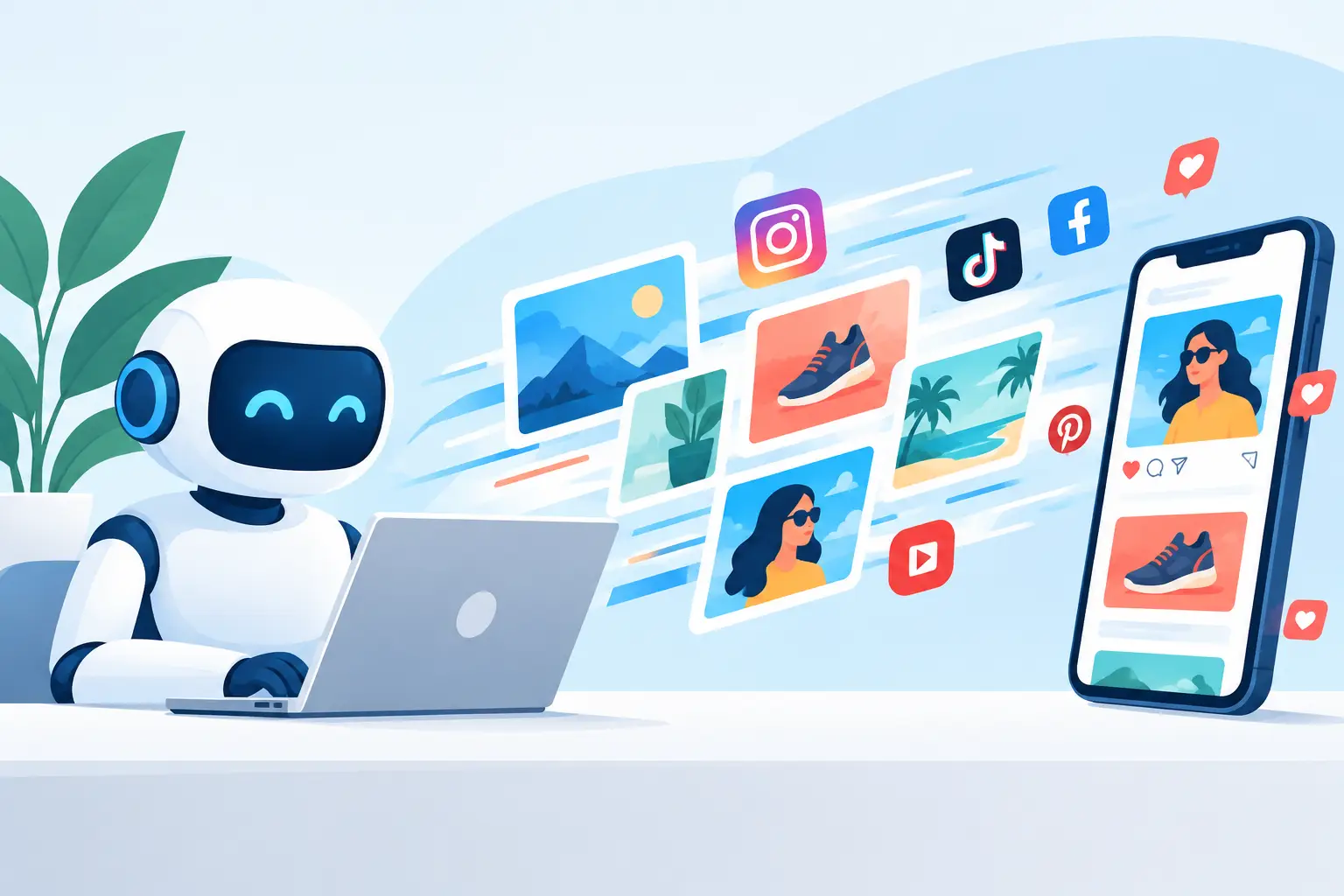
A product launch should not stall because the hero image is still in design review, the video shoot needs a location, or the social team has run out of fresh angles. AI marketing visuals give creators a faster way to turn a campaign idea into images and short videos built for the feeds where attention moves first.
The real value is not generating one impressive frame. It is building a repeatable visual system that lets a small team test concepts, refresh creative, and keep a campaign recognizable across formats. A sharp product close-up can become a vertical motion clip. A founder photo can become a stylized announcement. A single campaign idea can produce a week of variations without starting from zero each time.
What AI Marketing Visuals Are Actually For
AI-generated marketing content works best when it solves a clear production problem. Maybe you need product storytelling before samples arrive. Maybe a paid social campaign needs ten visual hooks, not one polished ad. Maybe an event announcement needs motion that feels bigger than a static template.
Think of AI as a visual production layer between the brief and the final post. Start with a prompt, source photo, or reference image. Choose the format, style, length, and level of detail. Then generate options quickly enough to make creative decisions while the idea is still fresh.
That speed changes what is practical. Instead of asking, “Can we afford to produce this concept?” the better question becomes, “Which version earns the next round of attention?”
AI is not a substitute for positioning, taste, or a clear audience. It can make a weak idea look more expensive, but it cannot make it more relevant. The strongest output starts with a message you can state in one sentence: who this is for, what they should notice, and what they should do next.
Start With a Visual Job, Not a Generic Prompt
“Make an ad for our product” leaves too much open. A useful creative direction defines the visual job the asset must perform.
For a launch, that might be creating anticipation through a bold reveal. For a social post, it may be stopping the scroll with an unexpected product setting. For a retargeting clip, the job could be showing one feature clearly enough to remove hesitation.
Before you create, write a compact brief that answers three questions: What is the main message? Where will this appear? What should the viewer feel or understand in the first two seconds?
A skincare brand, for example, could move beyond “premium serum on a counter.” A more usable direction is: “Vertical video, luminous glass serum bottle emerging from rippling water, soft morning light, clean white and pale blue palette, macro product shot, room for headline text at the top.” It gives the generator visual priorities while keeping the marketing goal visible.
Specificity does not mean stuffing every thought into one massive prompt. Choose the details that affect the final frame: subject, setting, action, composition, lighting, color, format, and mood. If your product must look accurate, use a source image or reference asset rather than hoping a text description gets every label, proportion, and detail right.
Build for the format first
A beautiful horizontal clip can be useless for a vertical campaign. Decide where the visual will live before you generate it.
For Stories, Reels, and short-form ads, prioritize a 9:16 frame, a clear subject, and space for interface elements or captions. For a website hero, consider a wider composition with room for copy and a calmer motion loop. For a product page, clarity often wins over spectacle - clean lighting, recognizable form, and fewer competing details.
The format shapes the idea. A close-up that feels immersive on a phone may feel cramped in a desktop banner. Generate for the destination, not just the concept.
Create Variations Before You Commit
One of the easiest ways to waste AI generation is treating the first result as the final answer. The point is not to generate endlessly. It is to explore the few variables that can materially improve performance.
Keep the core message fixed and test one creative dimension at a time. Change the opening shot, setting, color world, camera distance, or motion style. This makes it easier to see why one option works better than another.
For a coffee brand, the product and line can stay consistent while the visual hooks change: an extreme macro of crema forming, a fast morning routine, a surreal coffee landscape, or a warm kitchen scene. Each direction speaks to a slightly different attention trigger. The best choice depends on the audience, placement, and campaign goal.
A useful production rhythm is to create a small first batch, select the strongest direction, then make controlled versions of that winner. This protects your credits, keeps feedback focused, and prevents the creative library from becoming a pile of near-duplicates.
Know when polished is the wrong choice
High-production visuals can make a launch feel premium. They can also feel distant on a creator-led channel where candid energy performs better. A deliberately imperfect phone-style clip, a playful collage, or a punchy product transformation may fit the platform and audience more naturally.
Match the visual treatment to the role of the content. Brand campaigns may need a consistent art direction. Trend-driven posts can take more risks. Product education usually benefits from direct, easy-to-read visuals. There is no universal “best” AI look - there is only the look that makes sense for the moment.
Keep Brand Recognition in the System
Fast creation becomes messy when every output looks like it came from a different company. The fix is not making every post identical. It is creating a few repeatable visual anchors.
Use the same core palette, recurring locations, recognizable styling, product framing, or character details across a campaign. Save references that capture the lighting, textures, and composition you want to repeat. If a character, object, or setting appears more than once, treat it as an asset rather than recreating it from memory in every prompt.
This is where an organized creative library matters. Save the images, clips, references, and prompt directions that worked. Name assets by campaign and concept, not by vague labels like “final-final-2.” When a new request arrives, you can start from an established visual direction instead of rebuilding it under deadline pressure.
Platforms such as vbros make this workflow more practical by bringing generated images, short videos, reusable references, and multi-clip production into one workspace. The goal is not more files. It is fewer disconnected steps between an idea, its variations, and the version you are ready to publish.
Turn a Strong Image Into a Campaign Sequence
A single visual rarely carries a full campaign. It can, however, become the first shot in a sequence.
Start with an attention image: a striking product reveal, a surprising transformation, or a scene that makes people pause. Follow it with a clip that adds context - the product in use, a feature in motion, or a text-led message. Finish with a direct product frame or action moment that supports the call to action.
For short-form video, each shot should earn its place. A three-clip sequence can often outperform a longer piece that takes too long to explain itself. Use motion to create progression, not just decoration. The product should arrive, change, solve something, or reveal a detail the viewer wants to see.
Sound is part of that decision. Some concepts need a clean visual-only version for flexible editing and ad placement. Others benefit from sound design or music that adds pace and mood. Create with the intended use in mind, then keep alternate versions when distribution requirements vary.
Use AI Marketing Visuals With Clear Guardrails
Speed is useful only when it stays on-brand and safe to publish. Review generated assets before they enter a live campaign, especially when they include people, product packaging, logos, text, regulated claims, or recognizable locations.
Watch for details that can slip in during generation: distorted hands, unreadable labels, inconsistent product shapes, accidental text, and visuals that imply results your brand cannot support. If a product detail is non-negotiable, provide a reference and inspect the result at full size.
Also be careful with trend imitation. A trend can inspire pacing, color, or a content structure, but your campaign still needs its own voice. The fastest post is not always the one worth publishing. Take the extra minute to ask whether the asset is recognizable as yours and whether it communicates something real.
Make the Next Brief Easier Than the Last
The best AI visual workflow gets faster because it learns from itself. After publishing, save what performed: the opening composition, the prompt structure, the reference image, the format, and the creative idea behind it. Performance data should shape the next generation session, not sit in a report after the campaign ends.
Start small, make a focused set of options, and give your strongest direction room to evolve. That is how AI marketing visuals become more than a quick source of content. They become a practical creative engine for making the next good idea ready while it still matters.