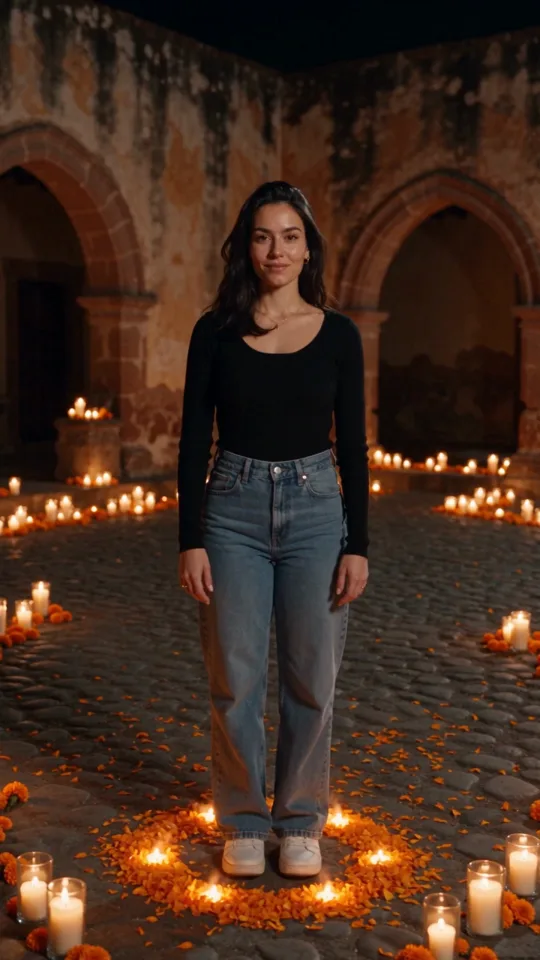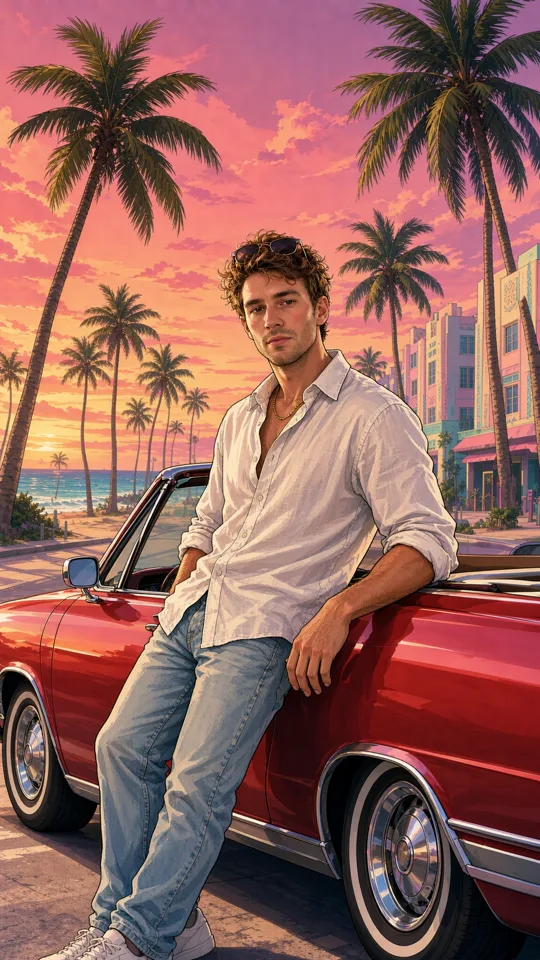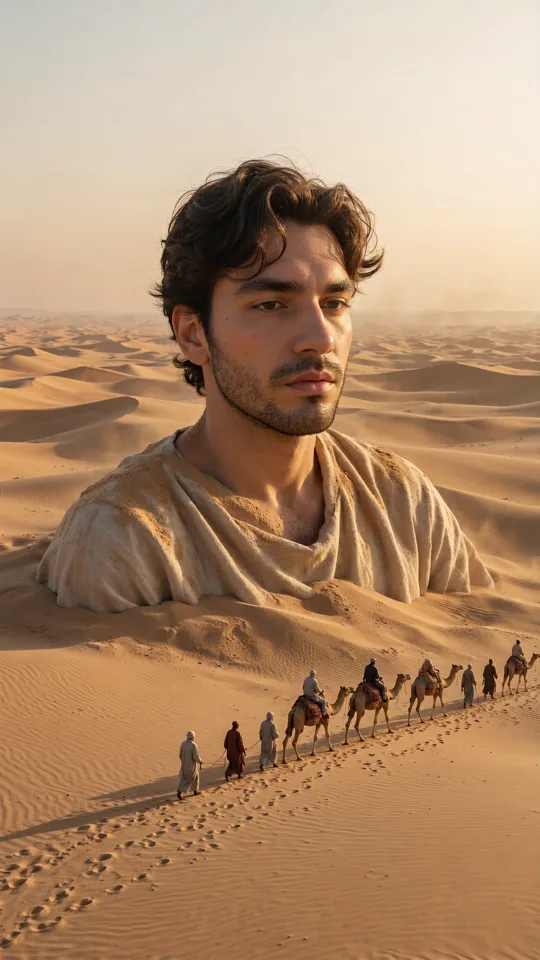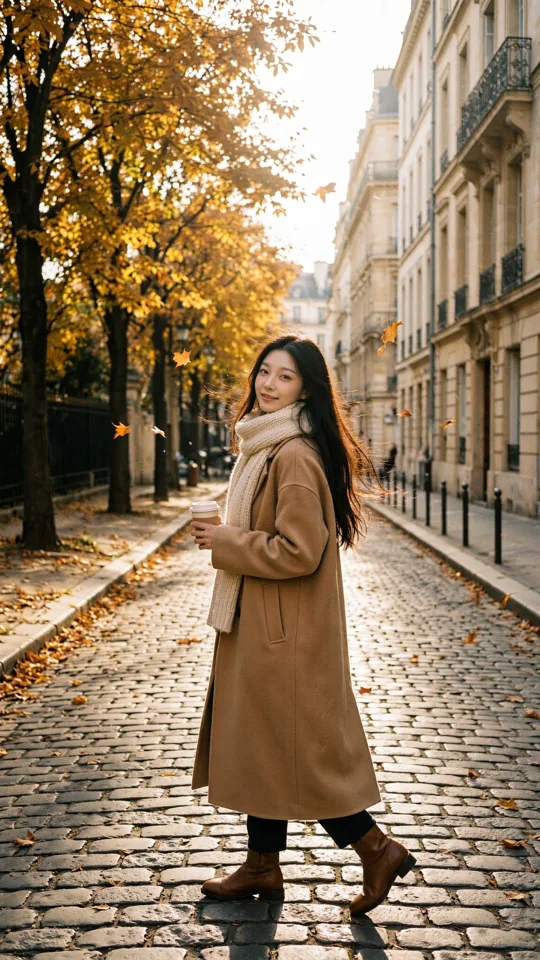
A campaign needs a hero image by lunch. A product concept needs five visual directions before the next client call. A creator has a strong hook but no camera, location, or crew. Can AI generate images from text prompts? Yes - and it can turn a written idea into a usable visual in minutes.
The better question is what kind of image you need, how much control you want, and what you will do with the result next. A quick prompt can produce a striking starting point. A focused creative workflow can produce a consistent set of social posts, product scenes, storyboards, thumbnails, or visual assets ready to build into short-form video.
Can AI Generate Images From Text Prompts Accurately?
AI image generators translate written descriptions into visual patterns learned from large collections of images and their associated language. When you write something like, “a glossy red sneaker floating above a cobalt blue studio floor, hard side light, vertical ad campaign,” the system interprets the objects, colors, setting, lighting, composition, and style signals in that request. It then creates a new image that attempts to match them.
That does not mean the tool reads your mind. It works best when your direction is concrete enough to make creative decisions possible. “Make a cool shoe ad” leaves too much open. “Close-up of a red running shoe splashing through clear water, clean white backdrop, crisp commercial photography, 4:5 format” gives the generator a much clearer target.
Accuracy also depends on the task. AI is especially useful for imaginative scenes, visual mood boards, stylized concepts, background ideas, food, fashion, product-inspired compositions, and social-first campaign visuals. It can be less reliable when you need exact typography, a legally precise product replica, perfectly readable small text, or strict continuity across a long series without references and iteration.
Think of the first output as a creative take, not a final approval file. The fastest creators generate, review, adjust, and generate again.
What a Text Prompt Can Control
A text prompt is more than a subject description. It can act like a compact creative brief. The strongest prompts usually answer a few practical questions: what is in the frame, where it is happening, what the image should feel like, and how it should be composed.
Start with the main subject. Be specific about the person, product, object, or scene that matters most. Then add the environment and action. A ceramic perfume bottle on a stone table creates a different image from the same bottle caught in a wind tunnel of pink fabric.
Next, direct the visual treatment. You might ask for editorial fashion photography, a grainy 1990s camcorder look, a bright 3D animation, a cinematic night scene, or a clean ecommerce studio setup. Lighting is often the difference between an image that feels generic and one that feels intentional. Terms such as soft morning window light, harsh flash, golden-hour backlight, or neon rim lighting give the image a clear mood.
Finally, specify the frame. Format matters because a vertical image built for a Reel has different compositional needs than a wide banner or square post. Ask for close-up, overhead view, full-body portrait, wide establishing shot, centered product shot, or empty space for copy when those choices matter.
A useful prompt can be written in one line:
Subject + setting/action + visual style + lighting + framing/format.
For example: “A creator in a lime green jacket filming a street-style interview in downtown Chicago, candid flash photography, energetic crowd blur, vertical 9:16.”
You do not need to make every prompt longer. Extra words only help when they clarify the picture. If the output keeps missing the look, change the detail that is actually wrong instead of piling on unrelated adjectives.
Turn a Vague Idea Into a Better Image Prompt
Most weak generations begin with an unclear brief, not a weak model. Before typing, decide what the image needs to accomplish. Is it supposed to stop a scroll, sell a product benefit, establish a fictional world, or give an editor a frame to animate later?
If the goal is social content, start with the visual hook. Put the unexpected, high-contrast, or emotionally readable detail near the beginning of the prompt. A tiny astronaut watering houseplants in a laundromat is more immediately legible than “a surreal lifestyle scene.”
If the goal is marketing, define the product relationship. Does the product dominate the image? Is it being used? Does the frame need room for a headline? Should the setting feel premium, playful, technical, or handmade? These decisions protect the output from becoming a beautiful image that does not actually support the message.
For creator-led content, describe the energy rather than copying a trend word for word. “Fast handheld street interview, direct flash, expressive reaction, vertical framing” gives you usable direction. It is more flexible than naming a look that may shift by next week.
Use references when consistency matters
Text is fast, but references reduce guesswork. A source photo can help retain the look of a person, a product, a location, or an existing design direction. Reference assets are particularly useful when you need a series of images that feel like they belong together.
For example, a small team launching a beverage can use a product photo as a reference, then generate different scenes around it: a bright poolside launch image, a rainy city commute shot, a midnight convenience-store scene, and a clean summer menu visual. The campaign gets range without losing its core product identity.
References still need review. Check logos, labels, hands, edges, and any detail that must be exact. Treat the generated image as a creative production asset that deserves the same quality control as a photo shoot or design handoff.
Adjust settings for the job, not just the look
Generation settings are creative choices. Select a format based on the channel, quality based on how closely viewers will inspect the image, and a model or preset based on the visual direction you want. A trend-driven preset can get you moving quickly. More detailed controls help when you are shaping a branded scene or producing a sequence.
This is where a platform such as vbros can fit into the workflow: start with a fast prompt or preset, then move into more deliberate creation with references, adjustable formats, and an organized asset library. Seeing generation costs before you create also makes exploration easier to plan, especially when a team is testing multiple directions.
The Trade-Offs Behind AI Image Generation
Speed is the obvious advantage. Instead of waiting for a location, talent, props, studio time, or retouching, you can test an idea while it is still fresh. That makes AI image generation valuable for early concepts and the steady demand for new social visuals.
But speed does not remove creative judgment. You still need to choose the right direction, discard weak results, confirm that details are accurate, and make sure the work matches your audience and brand. A good prompt saves time. A good editor protects the final output.
There are also limits around consistency and precision. AI can create a compelling character in one image, then alter details in the next. It may misinterpret a complex action, produce awkward hands, or place objects in ways that do not make physical sense. Reusable characters, reference images, and close shot control can improve continuity, but they do not replace review.
Rights and permissions matter, too. Do not upload photos, logos, artwork, or client materials unless you have permission to use them. Be careful with prompts that request living artists’ distinctive styles or recognizable public figures. For commercial work, keep records of your source assets, approvals, and the platform terms that apply to your project.
From Still Image to Short-Form Story
A strong image is often the first frame of something larger. Once you find a visual direction that works, use it to plan a sequence: a wide opener, a product close-up, a reaction shot, a detail shot, and a final brand moment. Each frame can share the same subject, location, palette, and lighting while giving the edit movement.
This approach is useful for social ads, music concepts, launch teasers, fashion edits, and creator storytelling. Rather than asking for one perfect image, create a small visual system. Generate variations with a clear purpose, organize the ones worth keeping, and build from the strongest direction.
The practical value of text-to-image AI is not that it replaces every camera, designer, or production day. It gives more ideas a chance to become visible before budget, time, or logistics shut them down. Start with the image your audience should remember, write the prompt like a brief, and let each generation move the idea one frame closer to real.